

WhatsApp Business API Pricing Explained: A Complete Guide for Businesses

Written by
WappCloud Team

Post date
22 May 2026
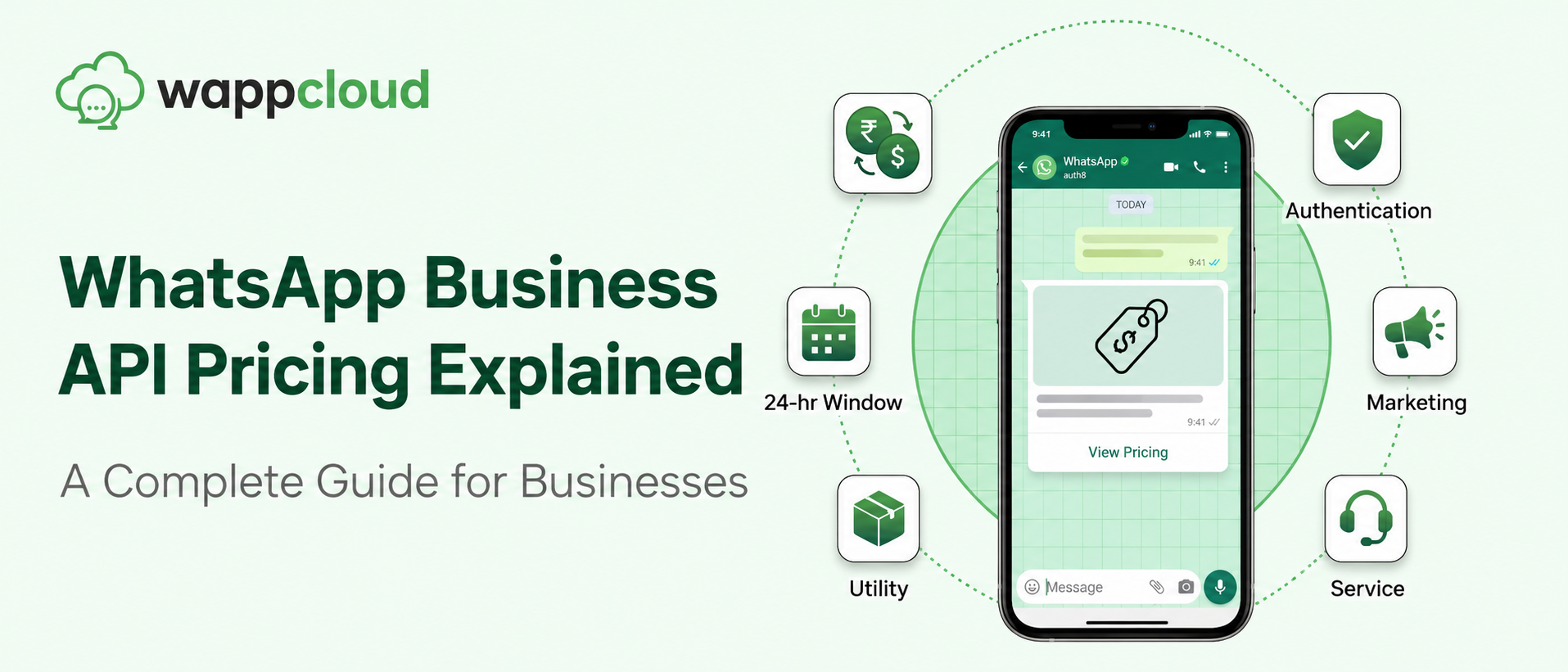
In today's rapidly evolving digital landscape, businesses are constantly looking for faster and more efficient ways to connect with customers. One platform that has transformed business communication is the WhatsApp Business API. It allows companies to manage customer conversations, automate responses, and run marketing campaigns directly on WhatsApp.
However, before adopting it, businesses need to clearly understand the WhatsApp Business API pricing structure. Knowing how the pricing works helps companies plan their messaging strategy and manage communication costs effectively.
In this blog, we will break down how WhatsApp Business API pricing works and how platforms like WappCloud help businesses use it efficiently.
Is WhatsApp Business API Free?
Yes, Meta does not charge businesses for accessing the WhatsApp Business API itself. However, there are certain associated costs involved when businesses start using it. These costs usually include:
- Conversation-based pricing charged by Meta
Platform or service fees charged by WhatsApp Business Solution Providers like WappCloud
The overall cost depends on how businesses use WhatsApp and the type of messages they send.
Sending Non-Template Messages Is Completely Free
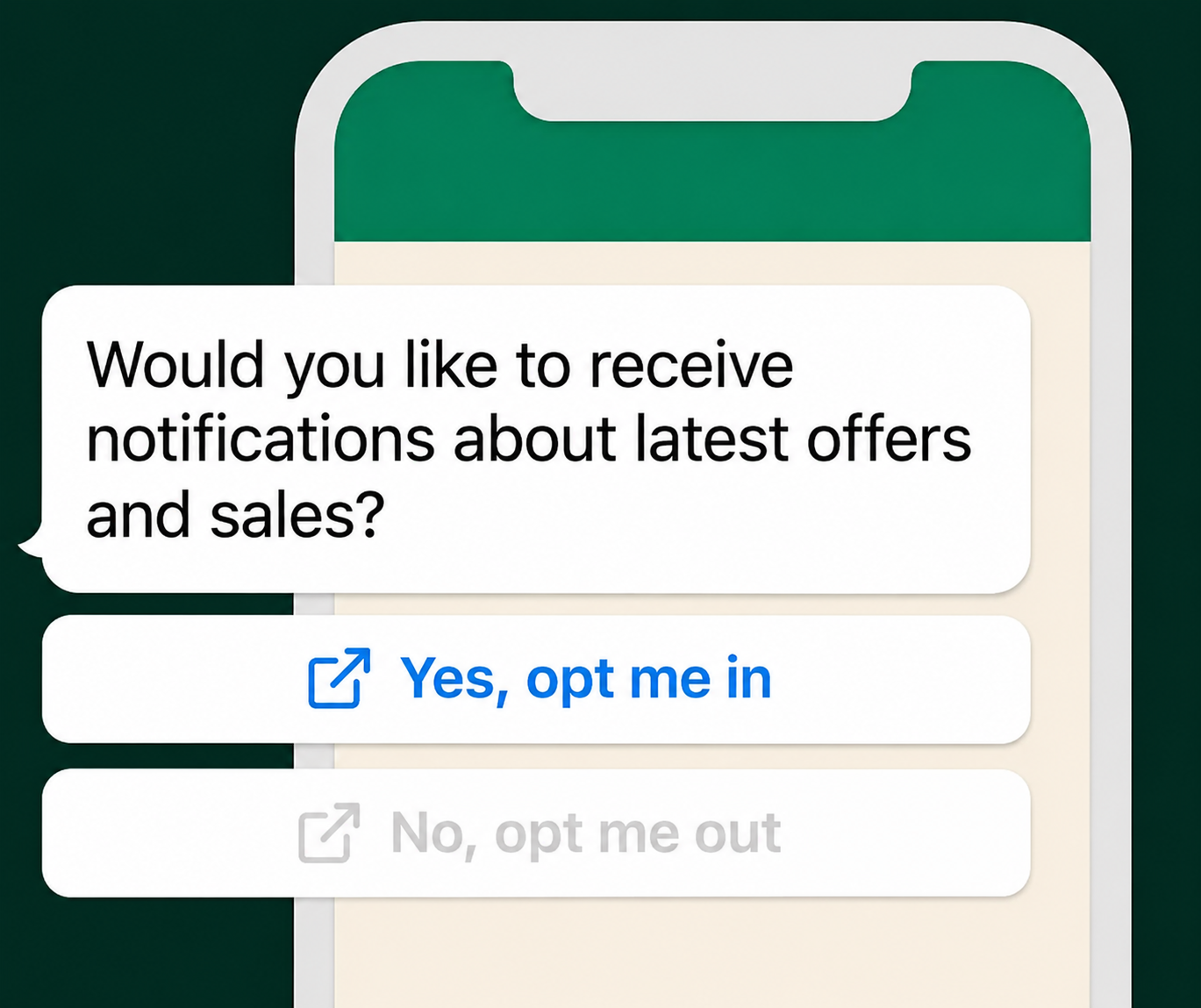
Non-template messages are free-form messages that do not require approval from Meta before sending. These messages can only be sent when a customer initiates a conversation with the business. Specifically, if the customer has sent at least one message within the previous 24 hours, the business can respond using free-form messages.
The good news is that non-template messages are completely free. During this period, businesses can send:
- Text messages
- Media files
- Attachments
- Emojis
- Interactive buttons
All without any messaging charges.
Understanding the 24-Hour WhatsApp Conversation Window
The 24-hour WhatsApp conversation window is a key part of the WhatsApp Business API pricing model. This window begins when a customer starts a new chat with a business on WhatsApp. Once the conversation starts, businesses have 24 hours to respond using free-form messages without any cost. These responses can include text, media, documents, emojis, attachments, and buttons.
This system helps businesses provide real-time customer support and faster responses without worrying about messaging charges. Once the 24-hour window closes, businesses must use pre-approved template messages to continue communicating with customers.
Free Entry Points That Start the Conversation Window
WhatsApp provides several entry points that allow customers to start conversations with businesses. These entry points automatically open the 24-hour conversation window.
📣Click-to-WhatsApp Ads
When users click on an ad on platforms like Facebook or Instagram, it opens a WhatsApp chat with the business.
💬WhatsApp Chat Widgets
Businesses can place WhatsApp chat widgets on their website or app. When customers click the widget, it instantly opens a WhatsApp conversation.
📷QR Codes
Businesses can print QR codes linked to their WhatsApp account. When customers scan the QR code, it opens a chat with the business.
✉️Direct Messages
Customers can also manually start a conversation by sending a message to the business's WhatsApp number.
These entry points make it easier for customers to reach businesses and start real-time conversations.
Tips for Maximizing the 24-Hour Window
Businesses can maximize the benefits of the free conversation window by following a few best practices.
First, businesses should respond quickly to customer inquiries. Faster responses improve trust and customer satisfaction.
Second, companies can use automation tools such as chatbots to answer frequently asked questions and handle basic queries instantly.
Third, businesses should personalize responses whenever possible to create a better customer experience.
Once the conversation window closes, communication must continue through template messages.
WhatsApp Business API Pricing Structure Explained
The WhatsApp Business API pricing structure mainly consists of two key components.
1. Platform Subscription Charges
Businesses need a platform to access and manage WhatsApp Business API. This is where WappCloud comes in. WappCloud provides a complete platform that allows businesses to:
- Automate WhatsApp conversations
- Run marketing campaigns
- Manage customer support chats
- Integrate WhatsApp with CRM systems
- Track analytics and performance
Businesses typically pay a monthly subscription fee depending on their messaging needs and required features.
2. Template Message Charges
Template messages are pre-approved messages used to start conversations or communicate outside the 24-hour window. Meta charges businesses per template message sent. The pricing depends on:
- The category of the template message
- The country of the recipient
In some cases, the platform provider may include a small service fee for message delivery and infrastructure.
Types of Template-Based Pricing on WhatsApp
WhatsApp categorizes template messages into four main types.
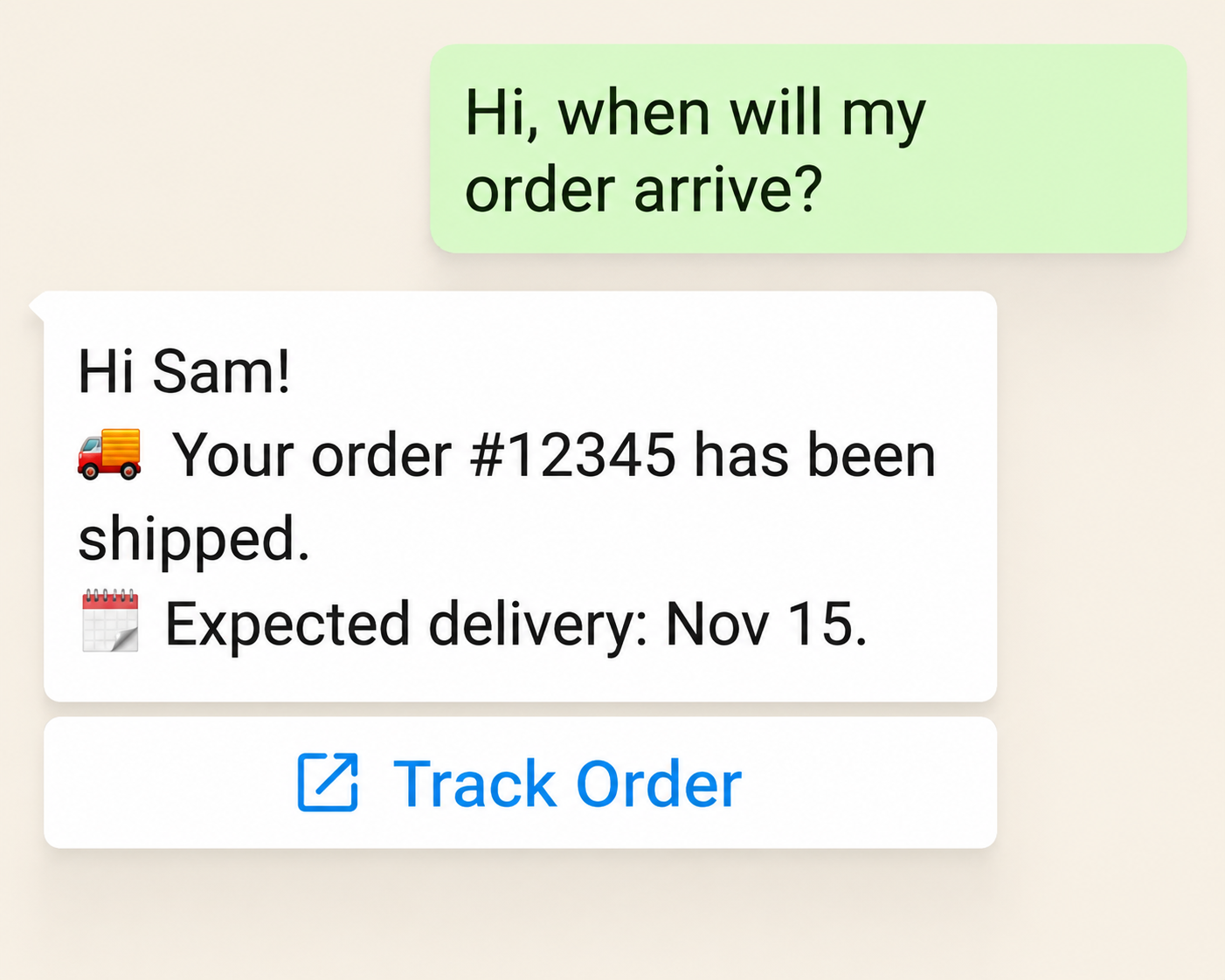
1. Service Conversations
Service conversations are designed for customer support interactions initiated by the user. Businesses use these messages to resolve issues, answer questions, and confirm transactions. These interactions help ensure a smooth customer experience.
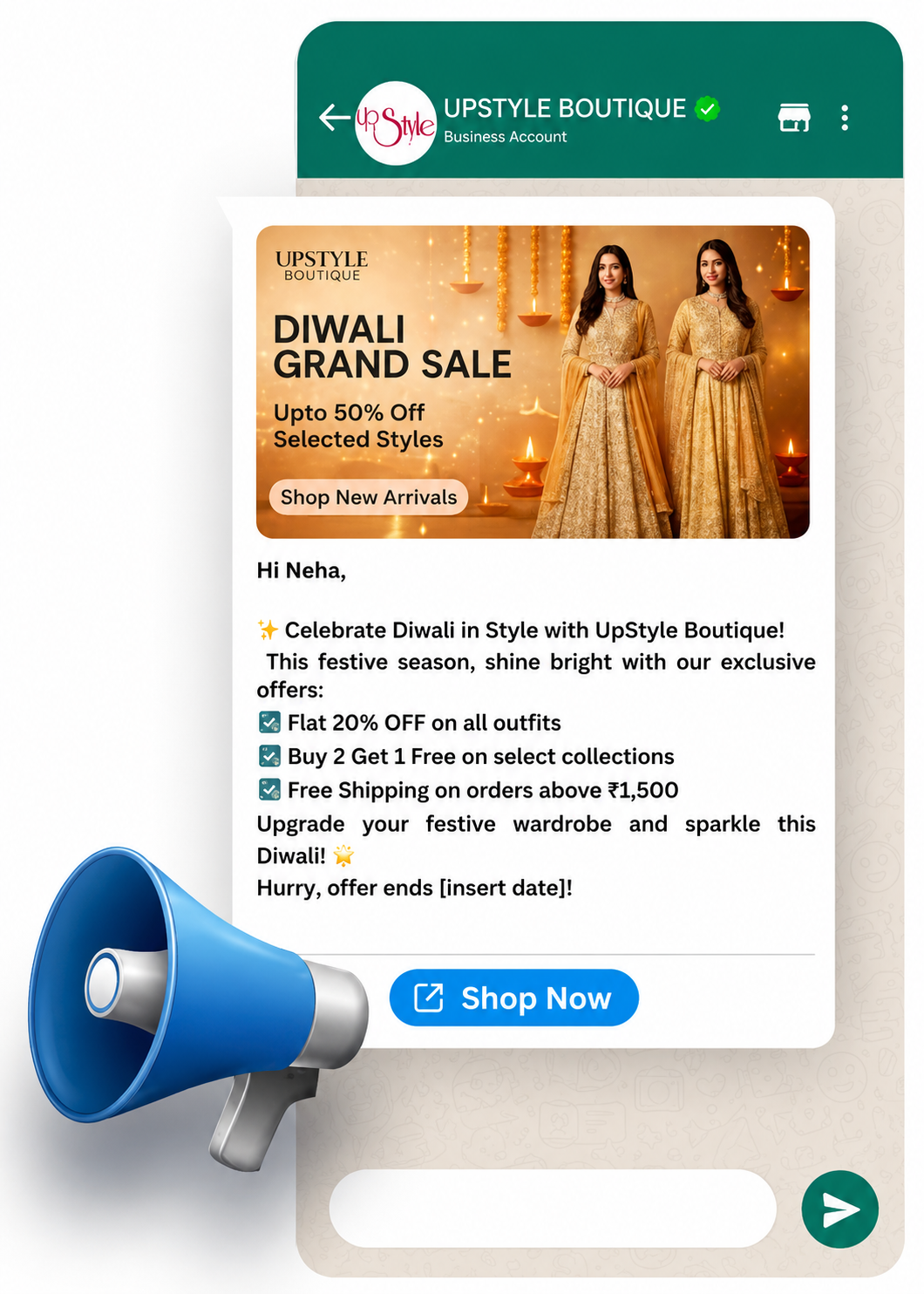
2. Marketing Templates
Marketing templates are used to send promotional messages to customers. Examples include special offers, discounts, product announcements, and promotional campaigns that encourage customer engagement.
3. Authentication Templates
Authentication templates are used for identity verification and security purposes. Businesses commonly use them to send one-time passwords (OTP) or login verification messages.
4. Utility Templates
Utility templates are used to send transactional updates. Examples include:
- Order confirmations
- Delivery notifications
- Payment reminders
- Appointment updates
These messages keep customers informed about important updates related to their transactions.
3 Tips to Minimize WhatsApp Business API Costs
Businesses can reduce their WhatsApp messaging costs by applying a few practical strategies.
1Optimize Conversation Flow
Make the most of the free service conversations within the 24-hour window. Respond quickly and use automation to resolve queries efficiently.
2Send Targeted Campaigns
Instead of sending mass broadcasts, focus on targeted campaigns aimed at specific customer segments. This improves engagement while reducing unnecessary messaging costs.
3Monitor Messaging Performance
Regularly track template usage, campaign performance, and conversation costs. Analyzing this data helps businesses identify opportunities to optimize messaging strategies.
WhatsApp Business API Pricing Structure in India
WhatsApp Business API pricing can vary depending on the customer's location. Below are examples of pricing structures in different regions.
Businesses in India can benefit from unlimited free service conversations. However, charges still apply for marketing, utility, and authentication messages.
| Country | Marketing | Utility | Authentication |
|---|---|---|---|
| India | ₹0.882 | ₹0.16 | ₹0.129 |
Manage Your WhatsApp API Costs Smarter with WappCloud
Whether you're a growing startup or a large enterprise, WappCloud helps you scale customer communication on WhatsApp without overspending. Start using WhatsApp API the smart way — book a free demo today and see how WappCloud can reduce your messaging costs while improving customer engagement.