

Understanding WhatsApp Broadcast Limits and How Businesses Can Increase Them

Written by
WappCloud Team

Post date
19 May 2026
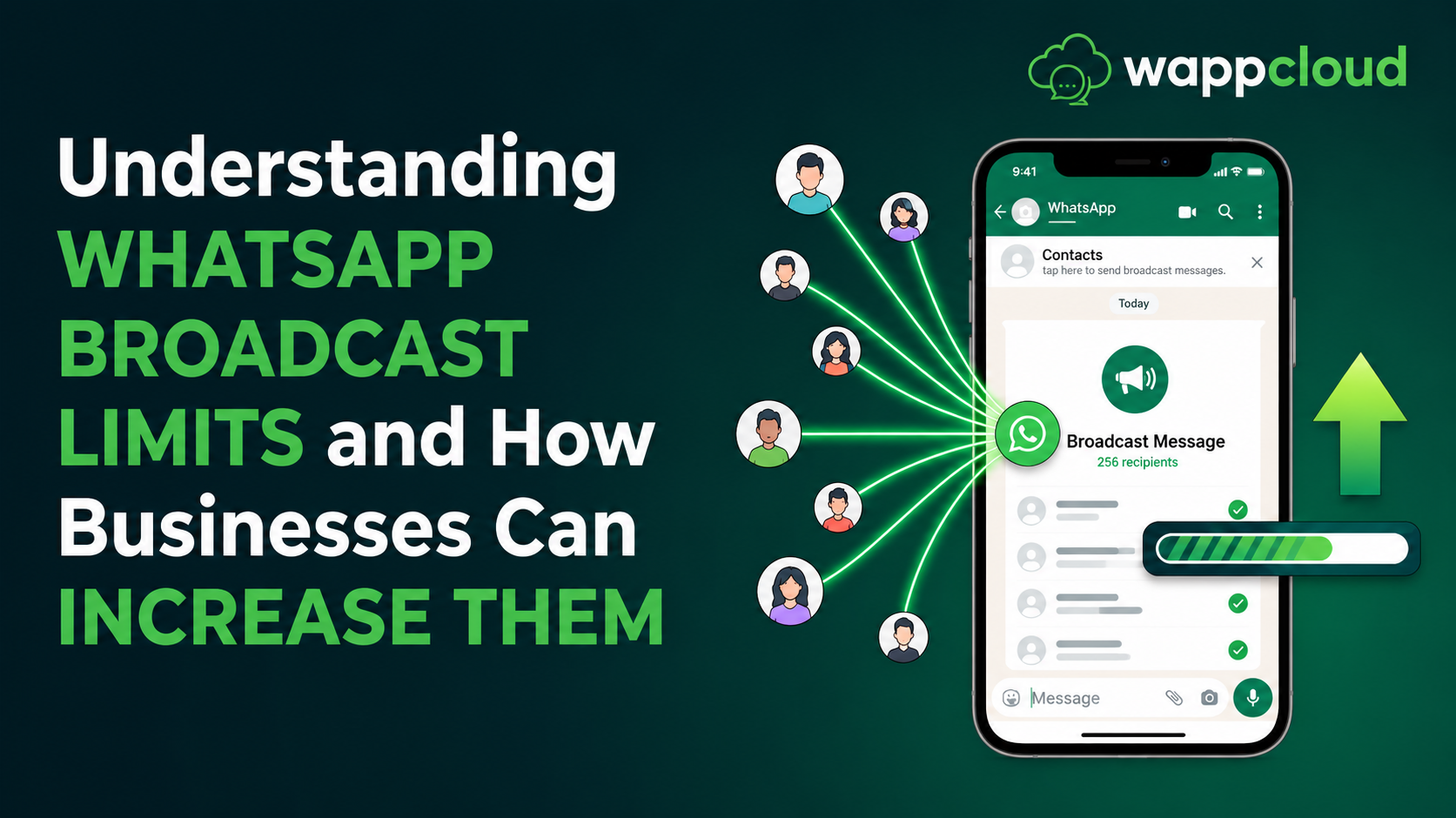
Communication has evolved rapidly in recent years, and today WhatsApp has become one of the most powerful messaging platforms for both personal and business communication. With billions of users worldwide, businesses increasingly rely on WhatsApp to connect with customers, send updates, and run marketing campaigns.
However, when businesses try to communicate with customers at scale, they often face one common challenge — WhatsApp broadcast limits.
Understanding these limits and knowing how to expand them can help businesses fully leverage WhatsApp for customer engagement. In this article, we will explore how WhatsApp broadcast limits work and how businesses can increase them using platforms like WappCloud.
What is the WhatsApp Broadcast Limit?
A WhatsApp Broadcast message allows businesses to send the same message to multiple customers at once. This feature is widely used for:
- Promotional campaigns
- Order updates
- Product launches
- Event reminders
- Customer engagement messages
In the standard WhatsApp application, each broadcast list can include up to 256 recipients per message.
However, businesses that want to send messages to a much larger audience use the WhatsApp Business API through official platforms like WappCloud, which enables scalable communication and automation.
WhatsApp Broadcast Messaging Levels
When businesses use the WhatsApp Business API, messaging limits are structured in tiers. These tiers determine how many unique users a business can message within a 24-hour period.
Level 1
Businesses can send broadcast messages to 1,000 unique users within 24 hours.
Level 2
The messaging capacity increases to 10,000 unique users within 24 hours.
Level 3
Businesses can send broadcast messages to 100,000 unique users in a 24-hour window.
Level 4
At this level, businesses can send unlimited broadcast messages within a 24-hour period.
Note:
If your campaign exceeds the allowed limit, the remaining messages are automatically queued and delivered after the next 24-hour window.
Platforms like WappCloud help businesses manage these campaigns efficiently and ensure smooth message delivery.
5 Ways to Increase Your WhatsApp Broadcast Messaging Limit
Businesses can gradually increase their broadcast messaging capacity by following best practices and maintaining high-quality communication.
1. Use WhatsApp Business API with WappCloud
The most effective way to scale WhatsApp messaging is by using the WhatsApp Business API through WappCloud.
With WappCloud, businesses can:
- Run large-scale WhatsApp broadcast campaigns
- Automate customer communication
- Segment audiences for targeted messaging
- Send personalized bulk messages
- Access campaign analytics and reporting
This allows businesses to communicate with thousands of customers efficiently while maintaining message quality.
2. Increase WhatsApp Opt-ins
One of the most important factors in increasing broadcast limits is collecting customer opt-ins.
A WhatsApp opt-in means that the customer has given permission to receive messages from your business.
Businesses can collect opt-ins through multiple channels, including:
- Website sign-up forms
- Social media campaigns
- Email marketing
- SMS invitations
- Checkout or booking processes
- QR codes and landing pages
Using WappCloud, businesses can easily capture and manage customer opt-ins to build a high-quality WhatsApp audience.
3. Maintain High Message Quality
Maintaining message quality is essential for improving your WhatsApp messaging tier.
Businesses should ensure that their campaigns are relevant, valuable, and non-intrusive.
Best practices include:
- Follow WhatsApp Business and Commerce policies
- Send messages only to customers who have opted in
- Avoid purchasing contact lists
- Do not spam users with excessive messages
- Personalize broadcast messages whenever possible
- Include clear call-to-actions, media, and formatting
WhatsApp also monitors account quality using indicators:
- Green – High quality
- Yellow – Medium quality
- Red – Low quality
Using platforms like WappCloud, businesses can manage campaigns effectively and maintain high-quality communication.
4. Send Broadcast Campaigns Consistently
Sending broadcast messages occasionally will not significantly improve messaging limits.
Businesses should maintain consistent communication with customers through regular campaigns.
Common broadcast campaigns include:
- Promotional offers
- Product updates
- Event announcements
- Customer engagement campaigns
- Re-engagement campaigns for inactive users
With WappCloud, businesses can schedule and automate broadcast campaigns to maintain consistency and reach the right audience at the right time.
5. Track Campaign Performance
Sending messages is only part of the strategy. Businesses must also monitor how their campaigns perform.
Important metrics to track include:
- Message open rate
- Click-through rate (CTR)
- Customer engagement
- Conversion rates
- Campaign responses
With WappCloud analytics, businesses can easily track campaign performance and optimize future messaging strategies.
Simplify WhatsApp Broadcast Campaigns with WappCloud
Managing WhatsApp broadcast campaigns manually can be challenging, especially for businesses that communicate with large customer bases.
WappCloud simplifies WhatsApp marketing by providing tools that help businesses:
- Send bulk WhatsApp campaigns
- Automate customer communication
- Manage contacts and audience segmentation
- Track campaign performance with detailed analytics
- Scale WhatsApp messaging efficiently
With the right strategy and the right platform, businesses can unlock the full potential of WhatsApp communication.
WhatsApp has become one of the most powerful communication channels for businesses. However, understanding broadcast limits and maintaining high-quality messaging practices is essential to scale communication effectively.
By using the WhatsApp Business API, collecting customer opt-ins, maintaining message quality, and consistently running campaigns, businesses can gradually increase their broadcast messaging limits and improve customer engagement.
Platforms like WappCloud make it easier for businesses to manage bulk messaging, automate campaigns, segment audiences, and track campaign performance — all from a single platform.
If your business is looking to scale WhatsApp communication and run high-performing broadcast campaigns, WappCloud can help you get started quickly and efficiently.
Book a demo today and explore how WappCloud can transform your customer communication: www.wappcloud.com