

How to Write a WhatsApp Business Description

Written by
WappCloud Team

Post date
27 August 2026
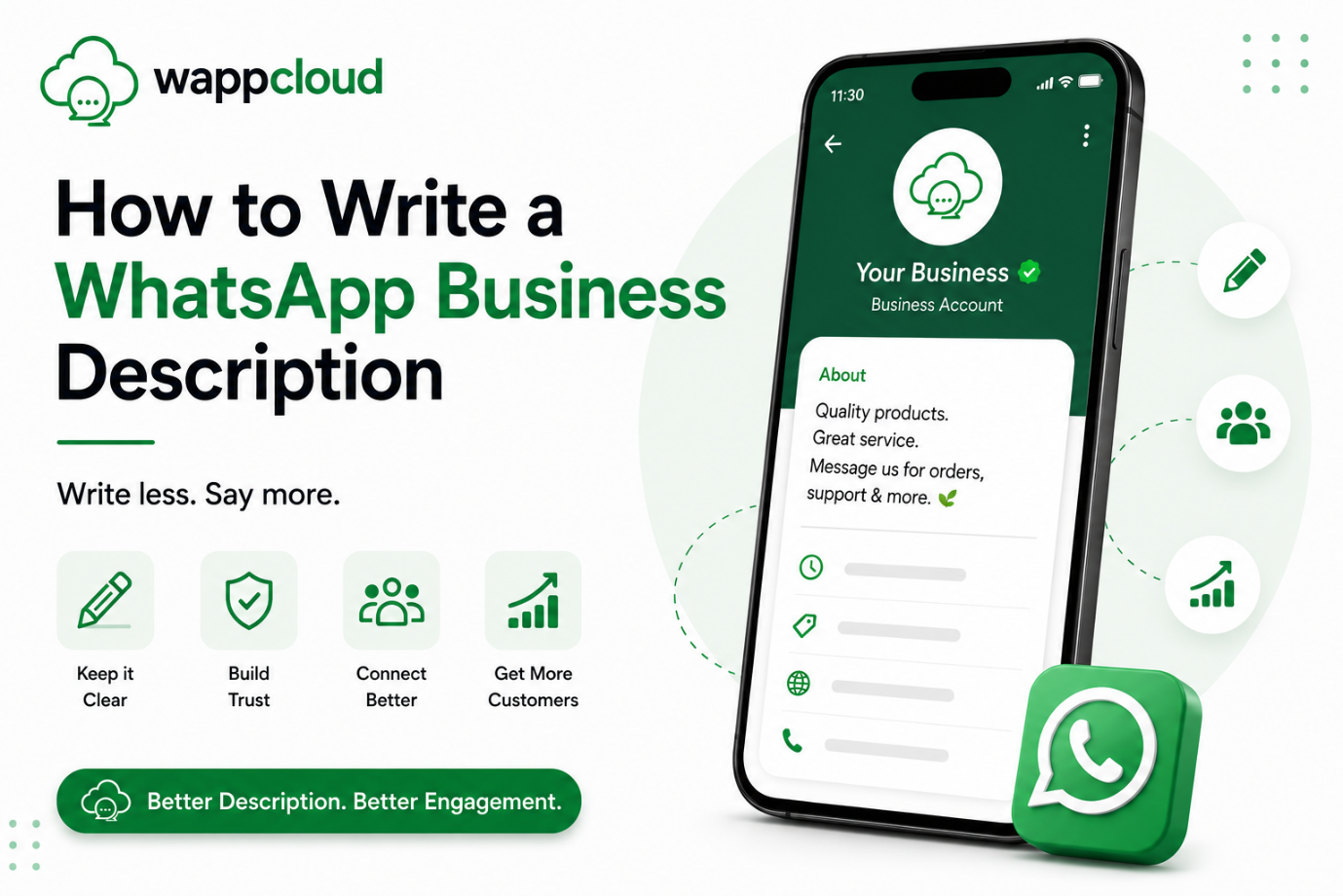
Your WhatsApp Business description is often one of the first things customers see when they visit your business profile. A clear and professional description helps customers quickly understand what your business offers, who you serve, and why they should choose you.
Whether you run a small business, online store, service company, or growing brand, a well-written WhatsApp Business description can make your profile look more trustworthy and encourage customers to start a conversation.
What Is a WhatsApp Business Description?
A WhatsApp Business description is a short introduction that tells customers about your business. It appears on your WhatsApp Business profile and gives visitors a quick overview of your products, services, or business purpose.
Instead of making customers search through your profile to understand what you offer, a good description communicates the most important information immediately.
Why Is a Good WhatsApp Business Description Important?
Customers often decide within a few seconds whether a business looks relevant and trustworthy. Your WhatsApp Business description gives you an opportunity to create a strong first impression. A well-written description can help you:
- Clearly explain what your business offers.
- Build trust with potential customers.
- Make your business look professional.
- Help customers understand your services quickly.
- Encourage customers to contact you.
- Create a consistent brand identity.
For businesses that receive a large number of WhatsApp inquiries, a clear profile description can also help customers understand what type of support or information they can expect.
What Should You Include in a WhatsApp Business Description?
A strong WhatsApp Business description should be short, informative, and easy to understand. You don't need to include every detail about your business. Focus on the information that matters most to your customers.
1. Clearly Explain What Your Business Does
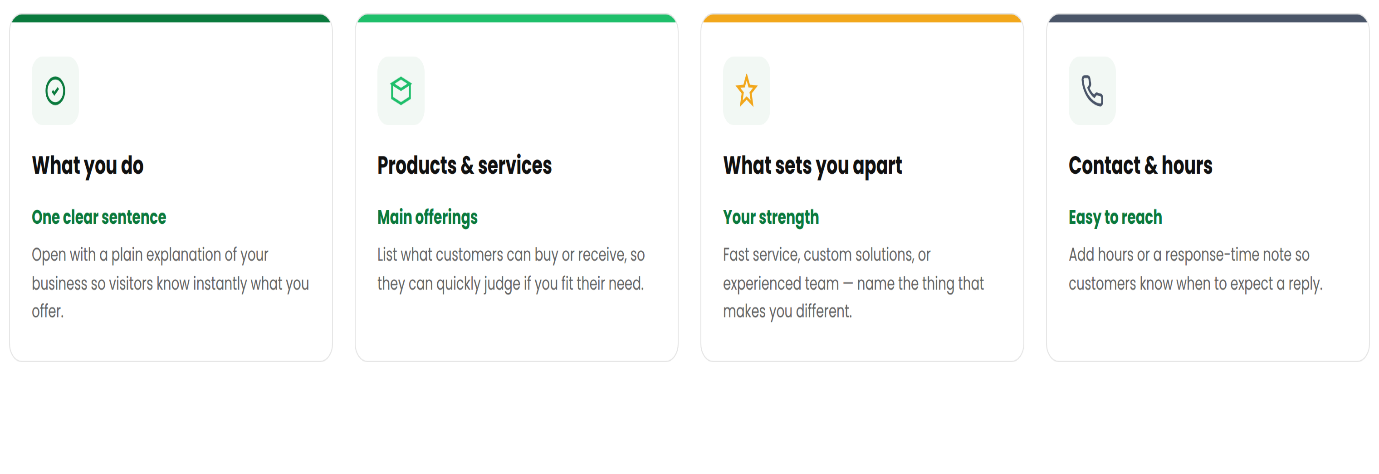
Start with a simple explanation of your business. For example:
"We provide reliable digital marketing solutions for growing businesses."
This immediately tells customers what the business does without unnecessary information.
2. Mention Your Main Products or Services
Tell customers what they can purchase or what services they can receive from you. For example:
"We offer website development, social media marketing, branding, and SEO services."
Listing your primary offerings helps customers quickly determine whether your business can meet their needs.
3. Highlight What Makes Your Business Different
If your business has a specific strength, mention it in your description. This could be:
- Fast service
- Customized solutions
- Quality products
- Professional support
- Affordable pricing
- Experienced team
- Reliable customer service
For example:
"Helping businesses grow with customized digital solutions and dedicated customer support."
4. Keep the Language Simple
Your WhatsApp Business description should be easy for anyone to understand. Avoid complicated words, excessive technical terms, or long sentences. Customers should understand your business within a few seconds of reading the description.
Instead of:
"We specialize in comprehensive technology-driven business transformation solutions."
You could write:
"We help businesses grow with simple, effective technology solutions."
5. Add a Clear Value Proposition
Your value proposition explains the benefit customers receive from choosing your business. For example:
"Quality products, reliable service, and friendly support—all in one place."
A clear value proposition can make your profile more memorable and customer-focused.
How to Structure Your WhatsApp Business Description
A simple structure can make writing your description much easier. You can follow this format:
What you do + What you offer + Your key benefit
For example:
"We help businesses manage customer conversations with powerful WhatsApp solutions, shared inboxes, automation, and real-time team collaboration."
This structure provides enough information without making the description unnecessarily long.
WhatsApp Business Description Examples
For an Online Store
"Discover quality products at affordable prices. Shop conveniently through WhatsApp and get quick assistance from our team."
For a Digital Marketing Agency
"We help businesses grow online through SEO, social media marketing, website development, and creative digital solutions."
For a Customer Support Team
"Need help? Our support team is here to answer your questions, resolve issues, and provide quick assistance through WhatsApp."
For a Restaurant
"Fresh food, delicious flavors, and convenient ordering. Contact us on WhatsApp for menus, orders, and assistance."
For a Service Business
"Professional and reliable services tailored to your needs. Contact our team on WhatsApp for enquiries, bookings, and support."
Common Mistakes to Avoid
Writing a good description is not just about what you include. It's also about what you leave out.
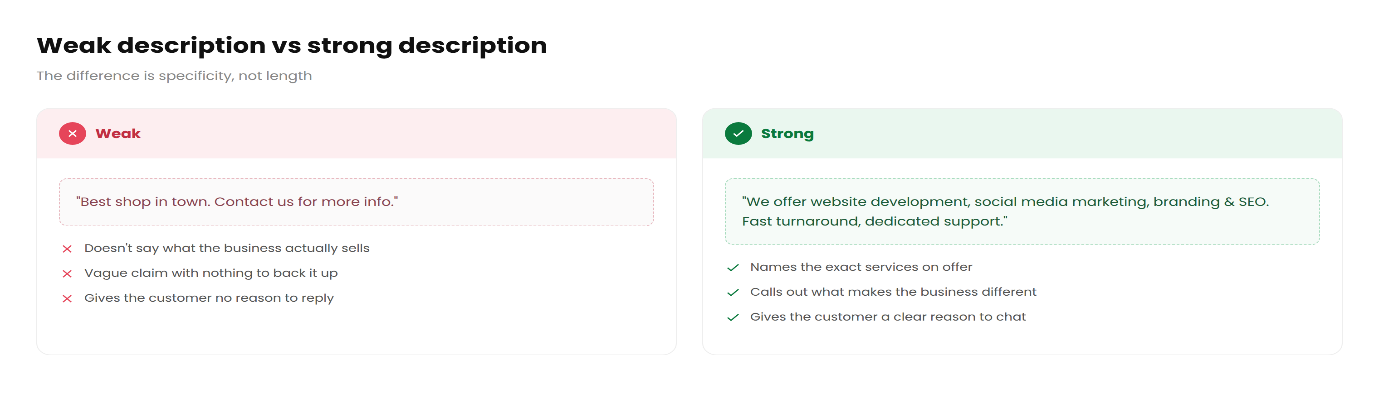
Avoid Being Too Vague
A description such as "Welcome to our business" does not tell customers anything useful. Instead, explain exactly what you offer.
Avoid Making It Too Long
Customers don't want to read a full company introduction in the profile description. Keep your most important information concise.
Avoid Excessive Emojis
A few relevant emojis can make a description more engaging, but too many can make your business profile look unprofessional.
Avoid Unclear Contact Instructions
If customers should contact you for orders, bookings, support, or enquiries, make that purpose clear.
Avoid Overpromising
Only mention benefits and services that your business can actually provide. An accurate description helps build customer trust.
Tips for Creating a Professional WhatsApp Business Description
Keep these tips in mind when creating or updating your description:
- Start with your main business offering.
- Focus on your customers rather than only your company.
- Mention your most important products or services.
- Use simple and professional language.
- Highlight one or two key benefits.
- Keep the description concise.
- Make sure the information matches your current business.
- Review your description regularly as your business evolves.
How a Good Description Supports Customer Communication
A WhatsApp Business profile is more than just a contact point. It can become an important part of your customer communication strategy.
When customers immediately understand what your business does, they are more likely to start relevant conversations. This can make customer interactions more organized and help your team respond to inquiries more effectively. For businesses managing WhatsApp conversations with multiple team members, having a clear business profile is especially useful because customers already understand what type of business they are contacting.
How to Write a WhatsApp Business Description That Converts
If your goal is to encourage customers to contact your business, focus on three things:
- Clarity: Tell customers exactly what you offer.
- Value: Explain the benefit they can expect.
- Action: Encourage them to contact you for the next step.
For example:
"Grow your business with powerful WhatsApp communication solutions. Manage customer conversations, automate workflows, and empower your team from one centralized platform. Contact us to learn more."
This gives customers a clear understanding of the service while encouraging them to take action.
Your WhatsApp Business description may be short, but it can have a big impact on how customers perceive your business. A strong description clearly explains what you offer, highlights your value, and makes it easy for customers to understand why they should contact you.
Keep it simple, professional, customer-focused, and up to date. Whether you're selling products, providing services, or supporting customers, the right WhatsApp Business description can help create a stronger first impression and encourage meaningful conversations.
A good description doesn't need to say everything about your business — it simply needs to tell the right customers what they need to know.