

Get More Customer Reviews and Boost Conversions with WappCloud

Written by
WappCloud Team

Post date
01 June 2026
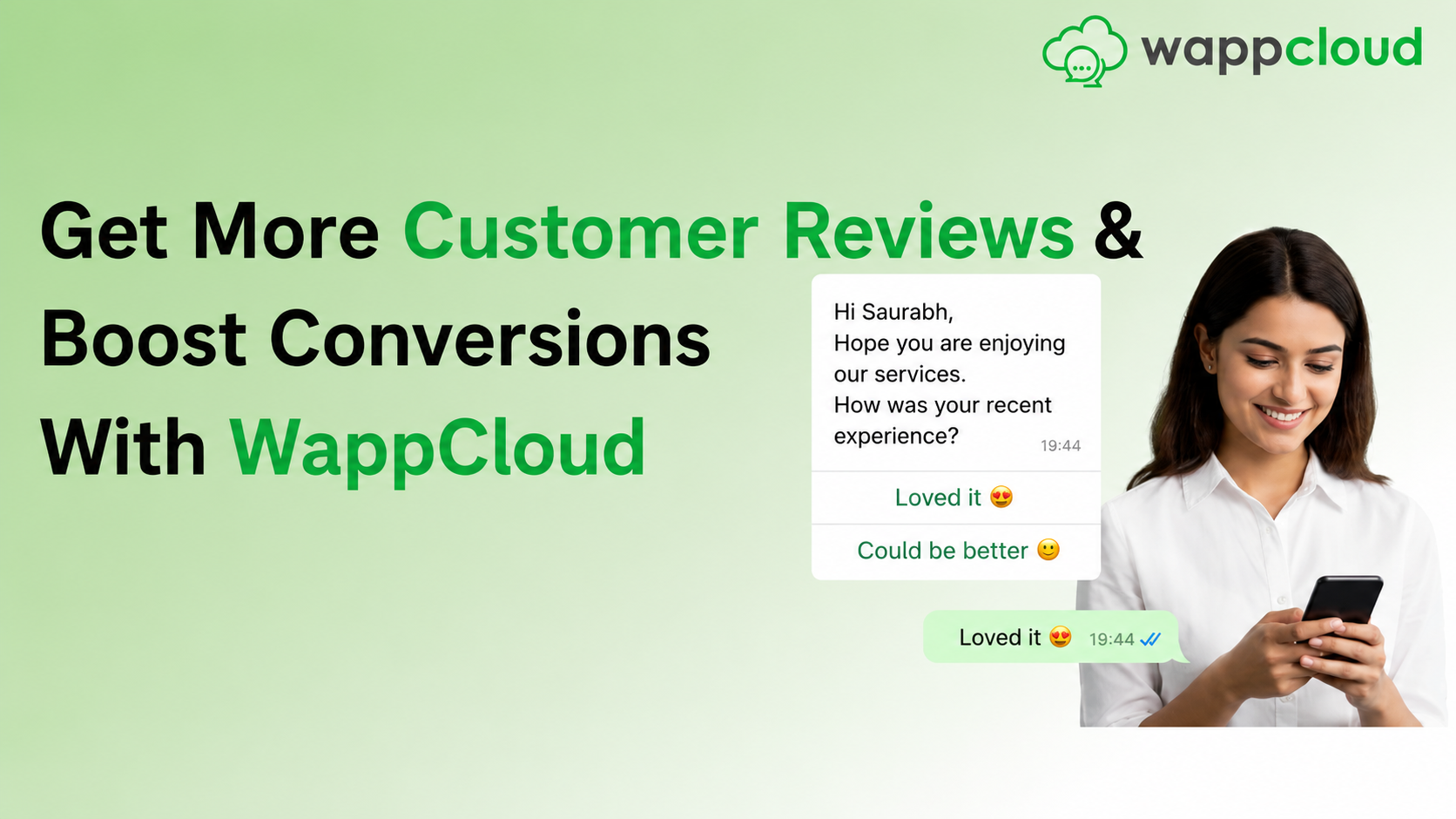
If you're not using WhatsApp to collect customer reviews, you're missing a simple opportunity to build trust and increase conversions. Customer reviews, ratings, and user-generated content play a major role in influencing buying decisions. Whether you run an e-commerce store, a salon, a gym, a restaurant, or any service business, feedback from real customers acts as powerful social proof.
Many businesses still depend on email or SMS to collect reviews, where response rates are often low and inconsistent. WhatsApp changes this completely.
In this guide, you'll learn how to collect customer reviews using WappCloud, including how to set up automation, trigger timely messages, and track performance effectively.
Why WhatsApp Reviews Matter
With WhatsApp open rates reaching up to 98% and significantly higher response rates compared to traditional channels, it has become one of the most effective platforms for collecting customer feedback.
When used correctly, WhatsApp helps businesses:
- Gather authentic testimonials from customers who have actually experienced the product or service
- Use reviews across websites, marketplaces, and marketing campaigns
- Improve overall ratings and identify dissatisfied customers early
- Build a strong collection of user-generated content to support marketing efforts
Key Benefits of Collecting Reviews on WhatsApp

Increased Conversion Rates
Customer reviews directly influence purchasing decisions. When potential buyers see fresh and genuine feedback, it builds confidence and encourages them to move forward with their purchase.
Authentic Social Proof
Reviews from real customers are far more convincing than promotional content. Displaying these reviews on your platforms increases credibility and trust.
Valuable Customer Insights
Collecting feedback regularly helps you understand customer expectations, identify areas for improvement, and refine your offerings accordingly.
Better Reputation Management
When customers see that you actively seek and respond to feedback, it reflects a customer-first approach and strengthens your brand image.
Continuous Customer Engagement
WhatsApp allows you to stay connected with customers at all times, enabling a steady flow of feedback without being limited by time or location.
Product Reviews with WhatsApp Business API
With the help of WhatsApp Business API integrated through WappCloud, businesses can go beyond basic messaging and implement smart automation workflows.
WappCloud allows you to connect your WhatsApp number with your existing systems like e-commerce platforms, CRM tools, or POS systems. Once connected, you can create automated rules such as:
- When an order is marked as delivered, send a review request after a few days
- When a service is completed, request feedback within a few hours
- When a support issue is resolved, ask for a quick rating
This ensures that every customer receives a review request at the most relevant time, without requiring manual effort.
How to Automate Customer Reviews on WhatsApp
Here's how to set up automated review requests using WappCloud for your online store:
Step 1: Create Your WappCloud Account
Start by setting up your WappCloud account to access WhatsApp automation features.
Step 2: Connect WhatsApp Business API
Link your business number with WappCloud and complete the verification process.
Step 3: Integrate Your Business System
Connect your store, CRM, or order management system so that customer activities like order delivery can be tracked.
Step 4: Create a Review Template Message
Design a simple and clear review request message.
Step 5: Set Up a Campaign
Create a campaign in WappCloud and select your approved message template.
Step 6: Configure Automation Triggers
Define when the message should be sent, such as 2-3 days after delivery or shortly after service completion.
Step 7: Launch and Monitor
Once live, WappCloud automatically sends messages and collects responses. Track delivery rate, open rate, response rate, and total reviews.
Example review request message:
Hi , your order was delivered recently 😊
We'd love to hear your feedback. How would you rate your experience?
⭐ 1 ⭐ 2 ⭐ 3 ⭐ 4 ⭐ 5
Hybrid Customer Support
WappCloud combines automation with human interaction to provide a better customer experience. While automated messages initiate the conversation, customers can be connected to a human agent whenever needed.
This is especially useful when handling detailed feedback or resolving concerns. By adding a support request option in your flow, you can easily transfer conversations to your team, ensuring both efficiency and personalization.
Use Cases: WhatsApp for Customer Reviews
E-commerce Businesses
The ideal moment to ask for a review is usually 2-5 days after the product has been delivered. You can also trigger review requests after repeat purchases or after a successful customer support interaction.
Salons & Spas
Sending a review request within 1-2 hours of service completion increases the chances of getting a response. You can also collect feedback after completing a package or after special services such as bridal or makeover treatments.
Restaurants & Cloud Kitchens
The best time to request a review is within 30-90 minutes after food delivery or dining. You can also collect feedback after repeat orders or group bookings to identify loyal customers.
Fitness Centers & Gyms
Collect reviews at key engagement points such as after a trial session, monthly renewals, program completion, or when customers achieve milestones like weight loss or attendance streaks.
Service-Based Businesses
Reviews should be collected after completing a project, finishing a consultation, or resolving a support issue. Asking at the right moment ensures feedback reflects the overall experience.
Best Practices for WhatsApp Review Collection
Right Timing of Review Requests
The success of your review strategy depends heavily on when you ask for feedback. The timing should always match the nature of your business and customer journey.
Personalization in Messaging
Personalizing your review requests by including the customer's name, product details, or service information makes the message feel more relevant and increases response rates.
Keeping the Message Simple
A simple rating system such as a 1 to 5 star option works much better than long questionnaires. Reducing complexity helps improve participation rates significantly.
Using Incentives Carefully
Offering incentives like discount coupons or loyalty points can encourage customers to respond, but rewards should be for sharing feedback, not for giving a positive review.
Combining Automation with Re-engagement
While automated flows handle most review requests, businesses can also use broadcast campaigns to reconnect with older or inactive customers.
Asking Permission to Use Reviews
A simple follow-up asking whether feedback can be shared on your website or social media helps maintain transparency and trust.
Mobile-Friendly and Clear Format
Keep messages short, use clear buttons, and add simple visuals or emojis to improve user experience and response rates on mobile.
Respecting Customer Preferences
Limit how often you send review requests and always provide an easy opt-out option to ensure a better long-term customer relationship.
Collecting customer reviews through WhatsApp is one of the most effective ways to improve trust, engagement, and conversions. With WappCloud, the entire process becomes automated, structured, and easy to manage.
By using WhatsApp strategically, businesses can not only collect more reviews but also build stronger relationships with their customers and continuously improve their overall experience.
To learn more about how WappCloud can help your business grow, visit www.wappcloud.com and book a demo to experience WappCloud in action.