

Why WhatsApp Accounts Get Banned and How to Stay Safe

Written by
WappCloud Team

Post date
03 June 2026
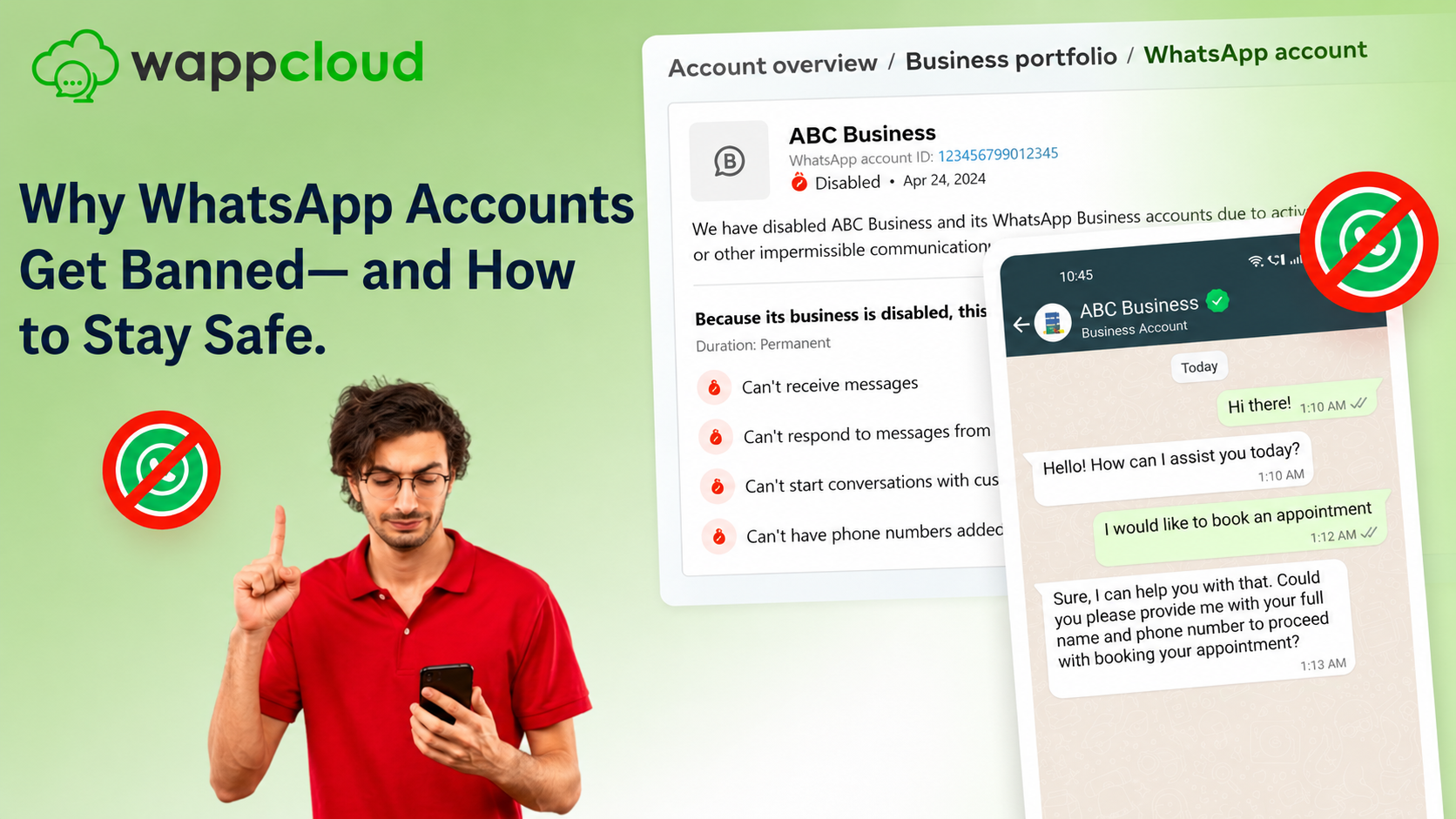
In 2026, more businesses are seeing their WhatsApp accounts banned or restricted. The main reason? Many are still relying on unofficial apps, unauthorized Chrome extensions, or unsupported automation tools.
In this guide, we'll walk through the top reasons accounts get banned — and, more importantly, how your business can avoid these pitfalls while continuing to engage customers effectively.
Why WhatsApp Accounts Get Banned
WhatsApp bans or restricts accounts whenever activities go against its Terms of Service. The platform takes strict measures to protect user privacy, security, and trust. Businesses often run into problems when they use:
- Unofficial WhatsApp apps like GB WhatsApp, FM WhatsApp, or WhatsApp Plus
- Unauthorized browser extensions or third-party bulk messaging tools on WhatsApp Web
- Spam tactics or bulk messaging without customer consent
- Harmful, misleading, or prohibited content
Quality Rating System
WhatsApp monitors business accounts with a Quality Rating System. If too many customers mark your messages as spam or block your number, your account rating drops — and this can quickly lead to restrictions or a permanent ban.
The 3 Main Reasons Businesses Get Banned
01 Unauthorized Apps, Tools, or Extensions
Using unofficial apps or extensions to send mass messages violates WhatsApp's Terms of Service and puts your account at immediate risk.
02 Low Quality Rating
If customers frequently block or report your messages as spam, your Quality Rating drops — triggering automatic restrictions on your account.
03 Sending Spam or Prohibited Content
Sending bulk messages or prohibited content without people's consent is one of the fastest ways to earn a permanent ban.
WhatsApp Business App vs. Business API
Not all WhatsApp solutions are equal. The Business App works for smaller businesses with simple needs. But for scalability, automation, and compliance — the WhatsApp Business API is the safer and smarter choice.
| Feature | Business App | Business API (Recommended) |
|---|---|---|
| Best Suited For | Small businesses | Small, medium & large businesses |
| User Access | Limited | No user limitation |
| Messaging | Manual messaging only | High-volume automated messaging |
| Automation | Basic (quick replies, labels) | Advanced (chatbots, workflows, CRM) |
| Monitoring | Basic | Advanced monitoring & reporting |
| Visibility | Hard to track who sends messages | Full tracking of user activity |
How to Use WhatsApp Business API Without Getting Banned
Here are the best practices for keeping your account safe while maximizing engagement:
1. Implement Opt-In and Opt-Out Mechanisms
Always get customer consent before messaging — online or offline — and offer an easy way to unsubscribe to avoid blocks and spam reports.
2. Provide a Human Escalation Path
If you use chatbots, ensure customers can connect with a live agent through the same chat, or provide additional contact options like email or phone.
3. Respect Meta's Trademark and Branding Rules
Do not misuse WhatsApp's name, logo, or UI elements in your messages or marketing materials.
4. Avoid Prohibited Industries
WhatsApp does not allow businesses in categories like firearms, alcohol, tobacco, dating services, or real-money gambling — even if legal in your region.
5. Keep Templates Compliant
Review and update message templates regularly so they align with Meta/WhatsApp guidelines.
6. Never Use Unofficial Tools
Third-party apps or extensions can expose your data to spyware, malware, or leaks — while also flagging your account for suspension.
7. Warm Up Your WhatsApp Number Gradually
Avoid sending bulk messages immediately. Start with 30–50 messages and increase over days. This builds trust with WhatsApp's system and reduces ban risk.
What to Do If Your Account Gets Banned
If your WhatsApp account faces restrictions or a ban, don't panic. Here are the current support and recovery options available:
1. Request a Review (Business App)
Use the official support form at WhatsApp Business App Support to appeal a ban or restriction and follow the step-by-step review guide for the best chance of reinstatement.
2. Request a Review (Business API)
WhatsApp usually allows at least one review. Before submitting, check why your account was restricted. If the issue was non-compliant templates, delete or edit them first. Submit via Meta Business Support: business.facebook.com/business-support-home
3. Escalate Through a Meta Tech Provider
If your account is connected via an official Meta Tech Provider like WappCloud, they can escalate by raising a support ticket with Meta on your behalf.
4. Start Fresh If Needed
If recovery fails, start with a new number through an approved provider and follow WhatsApp policies from the beginning to avoid future bans.
Grow on WhatsApp — Without the Fear of Bans
Switch to the official WhatsApp Business API with WappCloud. Advanced automation, CRM integrations, opt-in/opt-out workflows, and full compliance — all in one platform.
Get Started with WappCloud → www.wappcloud.com
Working with an official Meta Tech Provider like WappCloud ensures that your customer engagement is secure, scalable, and future-proof.