

How to Automate WhatsApp Replies the Right Way Without Losing Customer Trust

Written by
WappCloud Team

Post date
03 August 2026
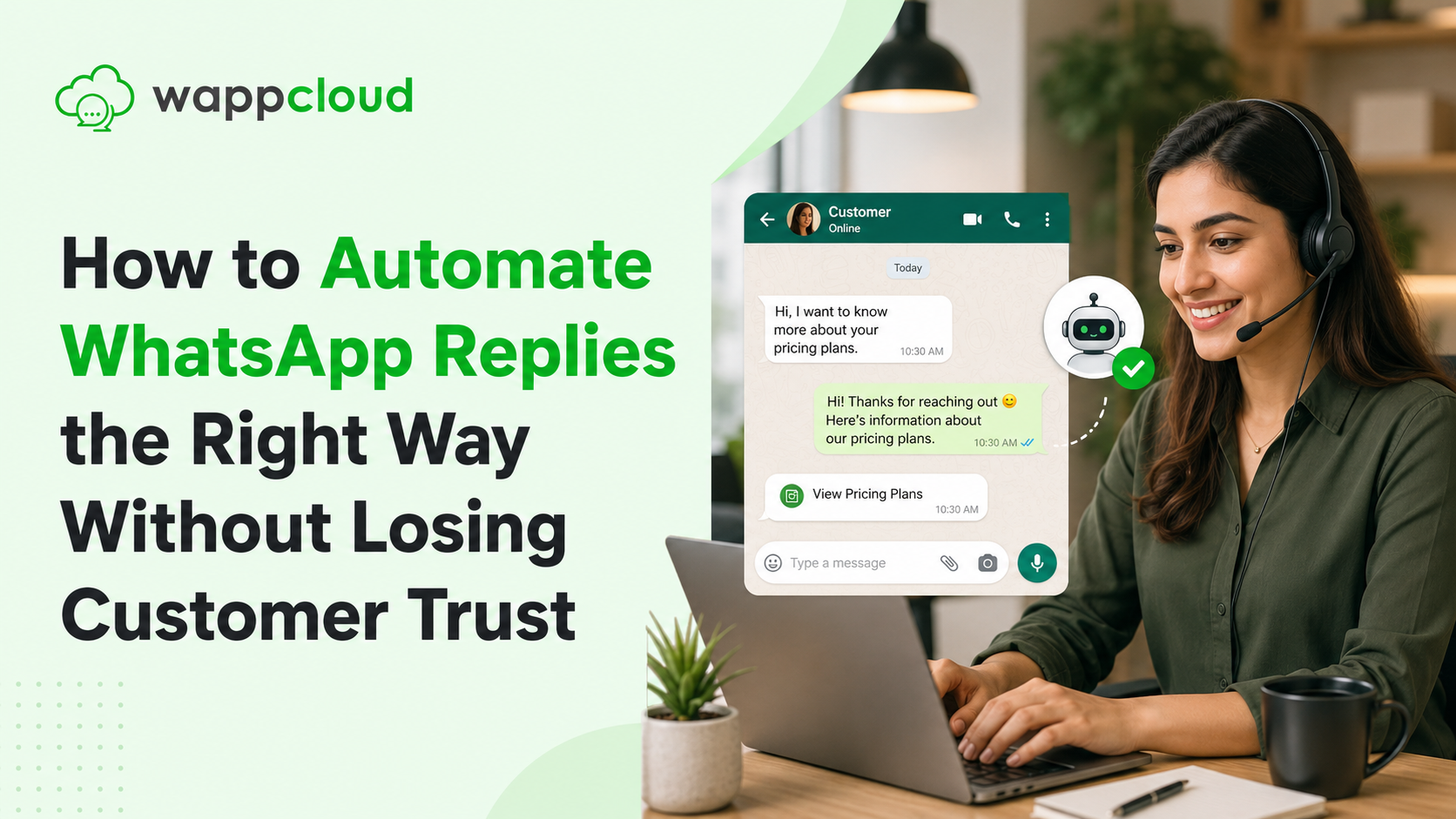
Automation on WhatsApp has a reputation problem, and it's mostly earned. Anyone who's messaged a business only to get stuck in a loop of unhelpful canned replies knows exactly how fast automation can erode trust instead of building it. But the answer isn't to avoid automation altogether — businesses that never automate simply can't keep up with message volume as they grow.
The real skill is knowing where automation genuinely helps and where it quietly damages the relationship. Here's how to automate WhatsApp replies in a way that saves time without customers ever feeling like they're talking to a wall.
What Does "Automating the Right Way" Actually Mean?
Done well, automation handles the predictable, repetitive parts of a conversation — order status, business hours, FAQs — instantly and accurately, freeing up human attention for conversations that actually need judgment or empathy. Done poorly, it tries to handle everything, forces customers through rigid menus for simple questions, and offers no visible way to reach an actual person.
1. Use Automation for Repetitive, Predictable Questions Only
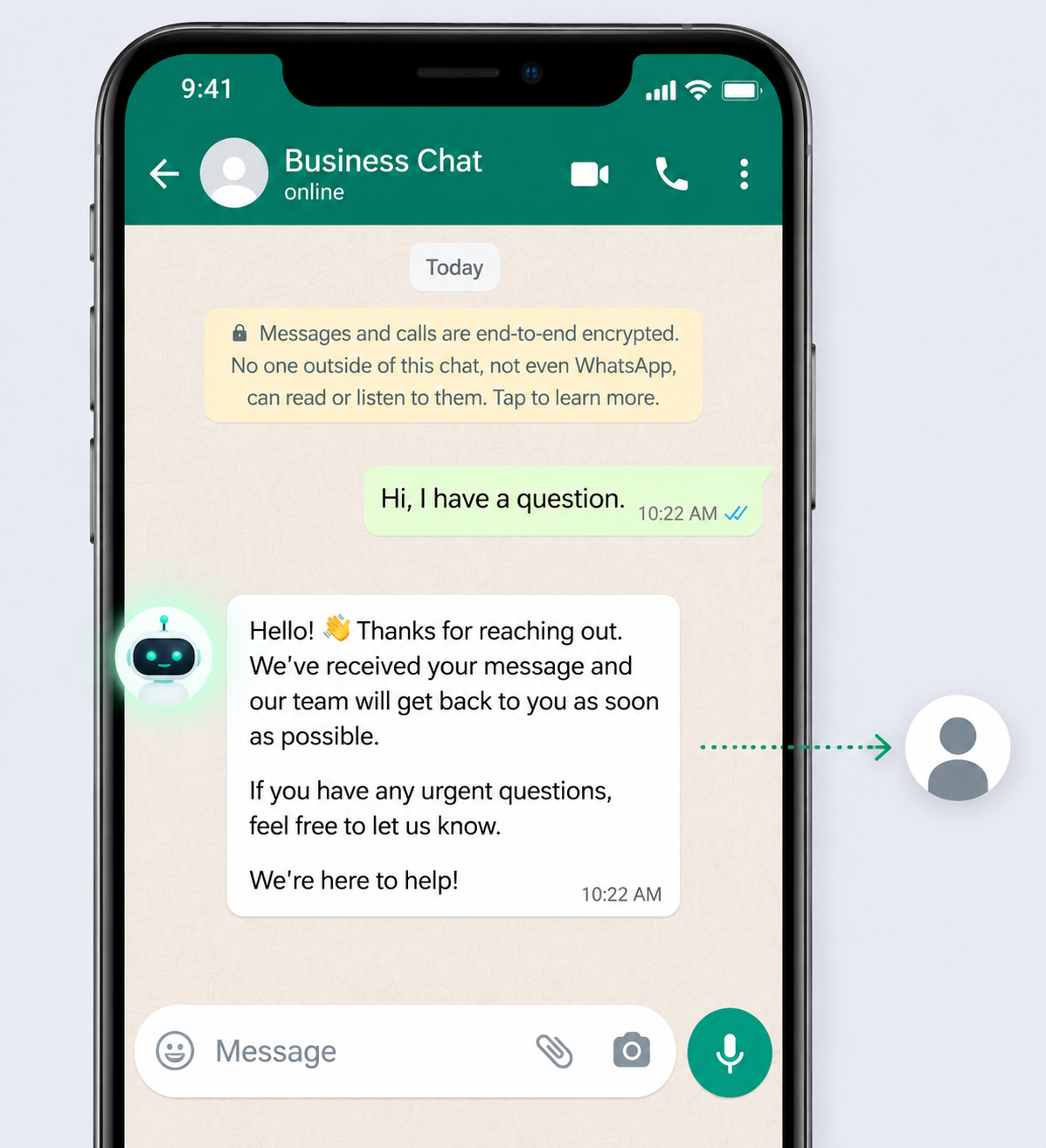
The clearest use case is questions asked constantly with consistent, factual answers — order tracking, store hours, return policies, basic pricing. These are exactly where a fast automated answer is actually preferable to waiting on a human.
Example Message (Automated FAQ Response)
"Hi! Our stores are open Monday to Saturday, 10 AM to 8 PM. For order tracking, just reply with your order number and we'll pull up the latest status."
2. Always Keep a Clear, Visible Path to a Human
The fastest way to lose trust is trapping a customer in an automated flow with no way out. Every automated conversation should offer an obvious option to reach a person, especially once a question gets complicated or emotionally charged.
Example Message (Escalation Option)
"I can help with general questions, but it sounds like this needs a closer look. Reply TALK TO A PERSON and one of our team members will step in shortly."
3. Personalize Beyond Just Inserting a Name
Dropping a first name into a template doesn't make a message feel personal — it just makes it feel automated with an extra step. Real personalization draws on context the business already has: order history, past questions, or where the customer is in their journey.
Example Message (Context-Aware Automated Reply)
"Hi , looks like this is about your order # that shipped yesterday. Want the latest tracking update, or is this about something else?"
4. Be Transparent That It's a Bot, at the Right Moment
Pretending an automated system is a human might feel smoother short-term, but it backfires the moment a customer realizes it. Being upfront that a bot is helping, especially at the start of a conversation, actually builds more trust than disguising it, because customers calibrate their expectations accordingly.
Example Message (Transparent Bot Introduction)
"Hi! I'm the automated assistant for . I can help with quick questions like order status or store hours — for anything more specific, I'll connect you with our team."
5. Set Response Expectations Clearly
A major source of frustration isn't automation itself — it's uncertainty about what happens next. Telling a customer exactly what to expect, instant automated answer or a short wait for a human, removes the anxiety of not knowing if their message even went through.
Example Message (Setting Expectations)
"Thanks for your message! Our team typically responds within a few hours during business hours. In the meantime, reply MENU for quick answers to common questions."
6. Monitor and Refine Based on Real Conversations
Automation set up once and never revisited tends to age badly as customer questions evolve. Reviewing where flows commonly fail, where customers repeatedly ask to be escalated, or where responses feel off is what keeps automation genuinely useful rather than a source of ongoing complaints.
The Business Impact of Getting This Balance Right
Businesses that automate thoughtfully see faster response times without sacrificing satisfaction — customers get quick answers to simple questions and still feel confident a real person is available when it matters. Businesses that automate carelessly often see the opposite: faster replies on paper, but declining trust and customers who actively try to avoid the automated system.
Balancing automation with a genuine, trustworthy customer experience takes more than a few canned replies — it requires visibility into how conversations are actually flowing, where handoffs happen, and where customers get stuck. Platforms like WappCloud help businesses build automated flows that handle repetitive work while keeping clear, reliable paths to human support, so automation supports the relationship instead of undermining it.
The Bigger Picture
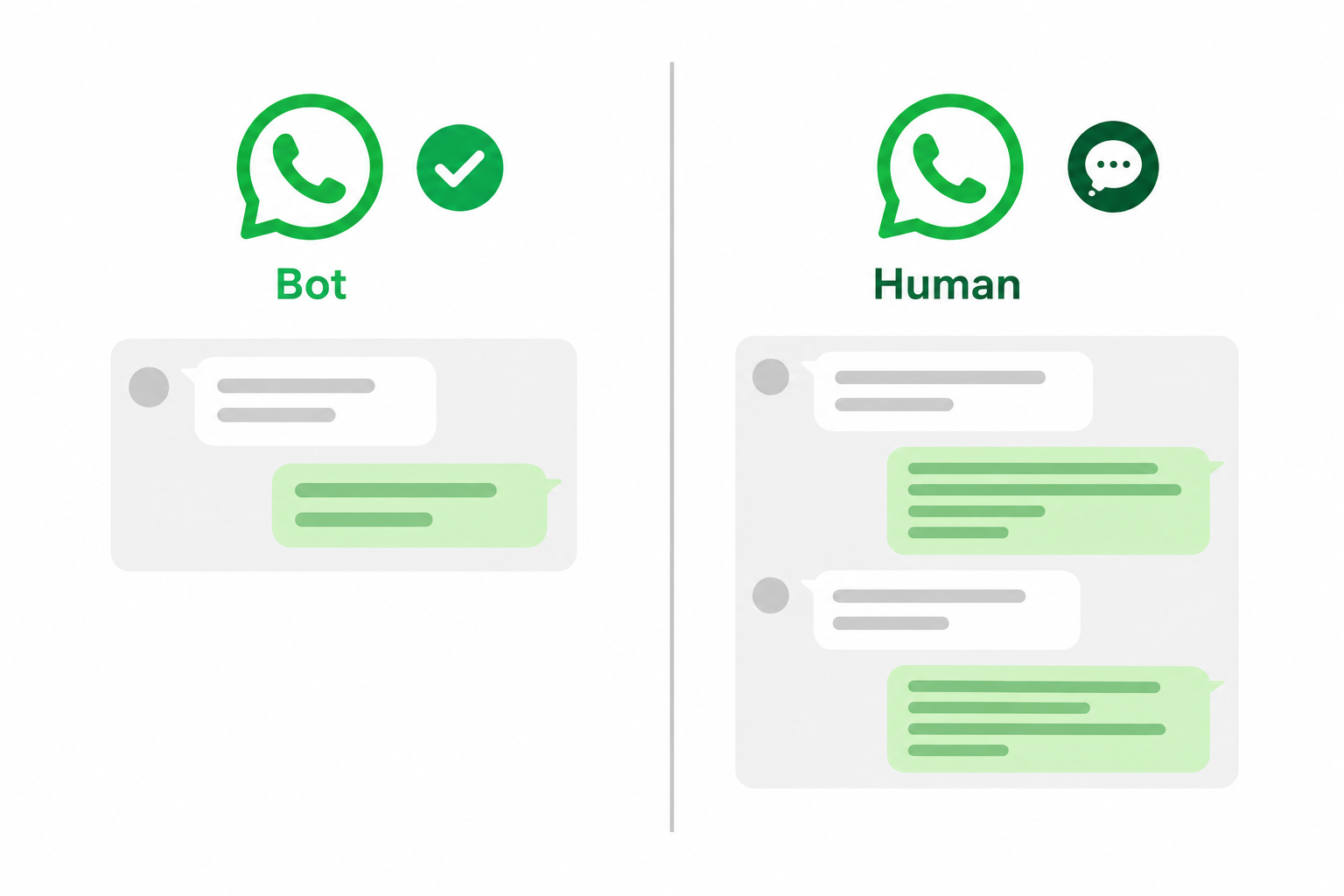
Automation and trust aren't actually opposites — the tension only shows up when automation is used carelessly. Handling predictable questions instantly, keeping an obvious path to a real person, personalizing with real context, being upfront about what's automated, setting clear expectations, and refining flows over time all work together to make automation feel like a convenience rather than a wall.
Want automation that builds trust instead of eroding it? See how WappCloud helps businesses design WhatsApp flows that stay genuinely helpful, with reliable handoffs to real people when it matters.