

WhatsApp Shared Inbox: 20 Reasons Growing Businesses Need One

Written by
WappCloud Team

Post date
4 August 2026
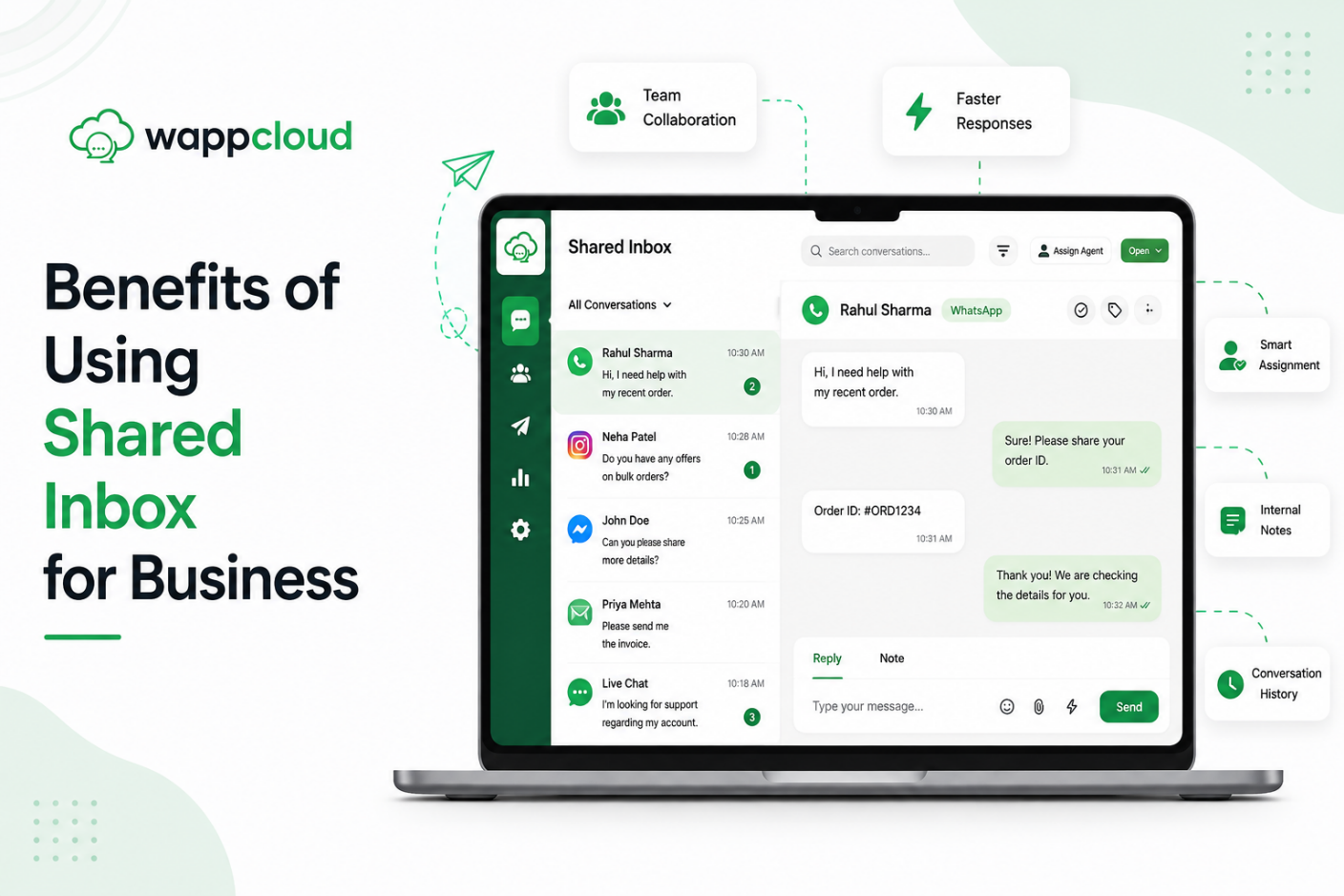
As customer message volume grows, managing WhatsApp conversations from a personal phone or the basic WhatsApp Business app quickly breaks down. With only a handful of linked devices allowed, teams end up passing one phone around or sharing login credentials just to answer routine questions. The result: missed follow-ups, delayed replies, and no clarity on who owns which conversation.
The fix is a single, central dashboard. A WhatsApp Shared Inbox lets your entire sales and support team log in at the same time, each with their own profile, turning a basic messaging tool into a structured customer workspace. Replies get faster, performance becomes trackable, and no lead falls through the cracks.
Benefits of a WhatsApp Shared Inbox
1. Multiple Agents Work from One Number
There's no need to buy separate SIM cards or phones for every new hire. A shared inbox lets your entire sales and support team reply to customers from a single business number at the same time — so customers only ever need to save one official number to reach you.
2. Clear Chat Assignment to Specific Teammates
Every incoming conversation can be assigned to a team member manually or through automated routing rules. Each chat gets a clear owner, so nothing is left unaddressed — and technical queries can go straight to tech agents while sales queries go to sales specialists.
3. Collision Detection Stops Overlapping Responses
On a shared basic app, two agents often reply to the same customer at once. A shared inbox prevents this by restricting chat visibility: agents only see the chats assigned to them, so conversations never sit in an open, unmanaged pool and duplicate responses simply can't happen.
4. Internal Notes for Team Collaboration
A dedicated internal notes panel sits alongside every conversation. Agents can log lead details, budget constraints, or specific requests and pin them to the top of the chat — giving anyone who opens that thread an instant briefing without scrolling through message history.
5. Categorize Conversations with Custom Tags
Custom labels let you tag chats by intent, priority, or product interest — making it easy to sort your inbox, filter past conversations, and focus on high-priority leads first. Tags also help you group audiences later for targeted updates.
6. Track Lead Statuses Across Chats
Every inbound inquiry enters the system as a "New" lead at the top of the queue. Teams can update statuses manually — "Contacted," "Demo Scheduled," "Proposal Sent" — or let no-code chatbot logic update them automatically, such as flipping a lead to "Demo Scheduled" the moment a buyer confirms a time inside the chat.
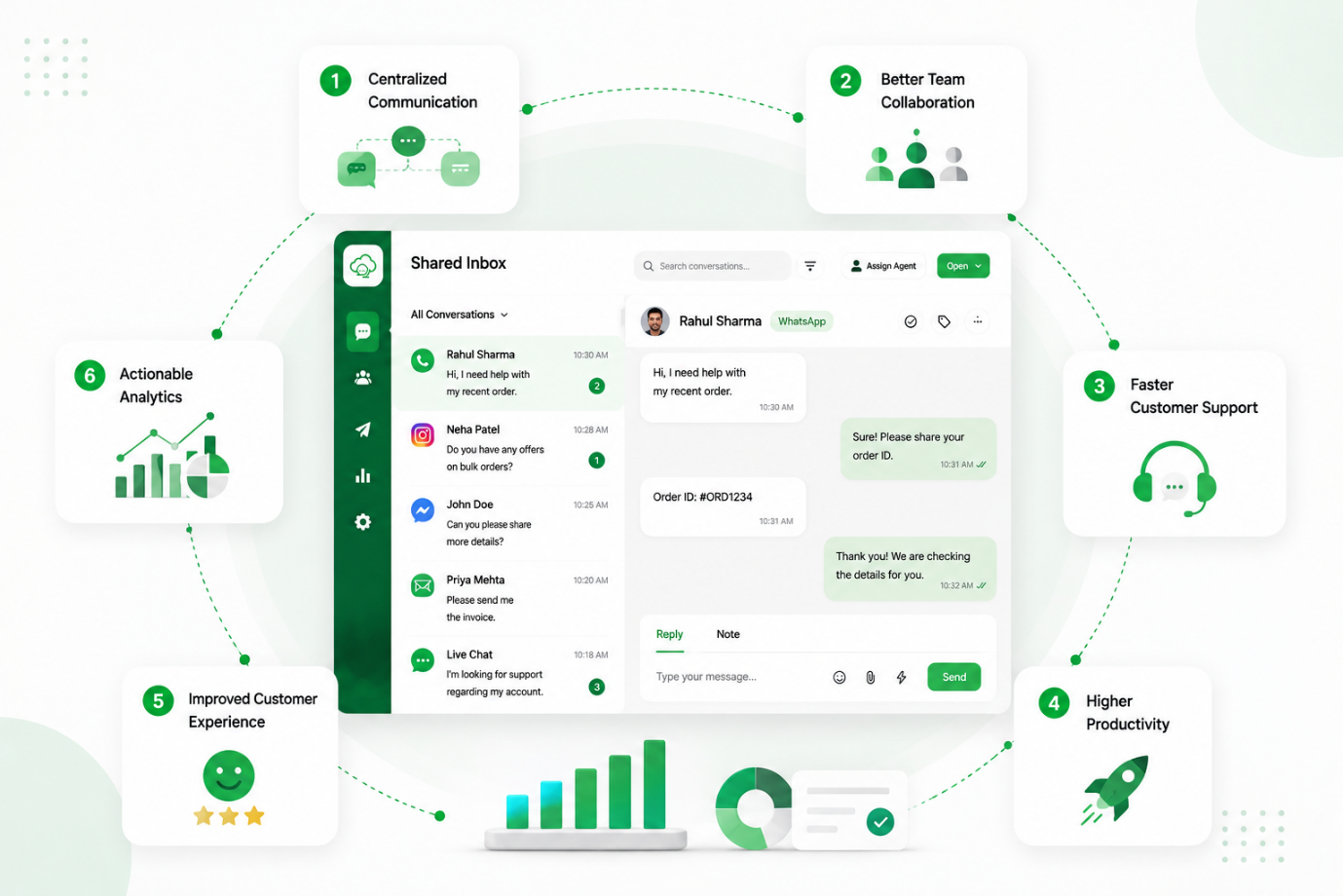
The six core benefits of moving to a centralized WhatsApp team inbox
7. Complete Interaction History in One View
Agents never have to ask a customer to repeat themselves. Every conversation shows full chat history and past notes, so any agent can step into a thread seamlessly without breaking the flow.
8. Automatic Customer Data Sync with CRM Tools
A shared inbox connects directly with your existing CRM and central database, syncing every chat interaction, contact detail, and lead update automatically — eliminating manual data entry and keeping records accurate.
9. Native Shopify and WooCommerce Sync
For e-commerce brands, the platform integrates directly with Shopify and WooCommerce. Agents can view purchase histories and order details right inside the chat profile, live tracking links sync automatically on fulfillment updates, and new WhatsApp purchases populate instantly in the customer's order history.
10. Faster Response Times for Inbound Leads
Automated chat distribution and simple navigation help teams answer faster. Quick replies keep hot leads engaged before they lose interest and move to a competitor — and faster response times translate directly into higher conversion rates.
11. Secure Customer Data on a Central Platform
Personal devices and apps put business contacts and chat history at risk when an employee leaves. A centralized system keeps all customer information safely stored within your company platform, so you retain full ownership of those relationships.
12. Reusable Quick Replies for Common Questions
Save standardized templates for the questions your team answers every day — welcome messages, pricing, refund rules, location details — and send them with a single click, saving hours of typing while keeping messaging consistent.
13. Smooth Handoff from Chatbots to Live Agents
A no-code chatbot can handle greetings, simple FAQs, and initial contact collection. When a question needs a human, the bot hands off to a live agent smoothly, with full conversational context already visible.
14. Performance Analytics
Managers get oversight through targeted data filtering — applying agent-level filters across active, pending, and updated chats to generate exportable reporting logs that reveal workloads, lead progression, and conversion rates.
15. Round Robin Routing Distributes Workloads Fairly
Automated assignment rules pass new chats to the next available team member in sequence, preventing any single agent from being overloaded while others have spare capacity — creating a balanced, high-performing team.
16. Real-Time Chat Monitoring for Quality Control
Managers can review active conversations as they happen without interrupting the chat — useful for checking response quality, coaching new hires, and stepping in if a complex issue comes up.
17. Role-Based Page Access Control
Admins can configure precise access controls by role — Admin, Manager, Team Lead, or Team Member — toggling visibility for specific modules so frontline agents see only the live chat interface while analytics, billing, and broadcast permissions stay protected.
18. Individual Staff Profiles Instead of Shared Passwords
Every team member gets a unique login instead of a shared password. Each agent's workspace shows only the chats assigned to them or their department, keeping it clutter-free while cross-departmental conversations stay private.
19. Customer Data Protection via Phone Number Masking
Built-in number masking hides sensitive customer phone numbers from unauthorized users and frontline agents. Only authorized managers or admins can view full contact details — preventing data theft, contact scraping, or outreach outside the workspace.
20. Organized Dashboard Makes Inbox Zero Achievable
A clean, centralized interface makes tracking pending work simple. By assigning tasks correctly, automating routine rules, and moving resolved conversations out of the main view, teams can clear the queue and stay organized every day.
The Takeaway
Moving customer communication off personal phones and onto a professional shared inbox is a critical step for any growing business. It removes the daily confusion of shared passwords, missed follow-ups, and messy chat logs — replacing manual chaos with clean organization and giving sales and support teams the tools they need to collaborate, reply faster, and keep customers happy.
WappCloud gives you exactly this system. With multi-agent access, automated chat routing, role-based controls, and live performance tracking built on the Official WhatsApp Cloud API, it turns your messaging channel into a real business asset — so your team can handle high volumes, protect customer data, and scale without losing the personal touch that drives sales.
Ready to move your team off a single phone? Explore WappCloud's Shared Team Inbox.