

Utility WhatsApp Templates: Complete Guide With Examples

Written by
WappCloud Team

Post date
23 July 2026
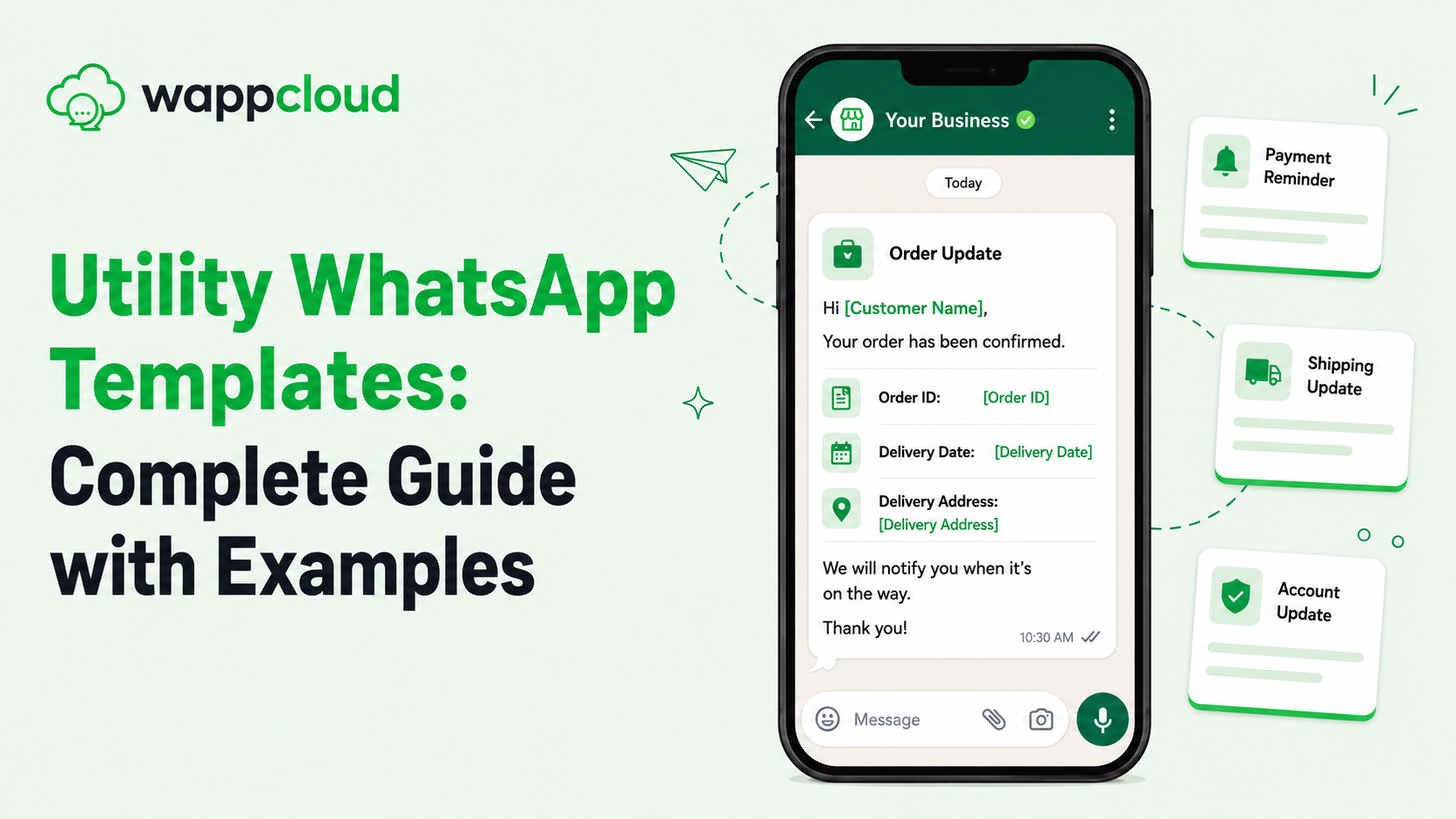
In business messaging, there's a big difference between a message a customer wants and a message a customer tolerates. Utility WhatsApp templates fall firmly into the first category. They're the order confirmations, appointment reminders, and delivery updates customers are actively expecting — which is exactly why they get read, while promotional messages so often get ignored.
This guide walks through what utility templates are, why they matter, and how to structure ones that actually improve the customer experience — with practical examples along the way.
What Is a Utility WhatsApp Template?
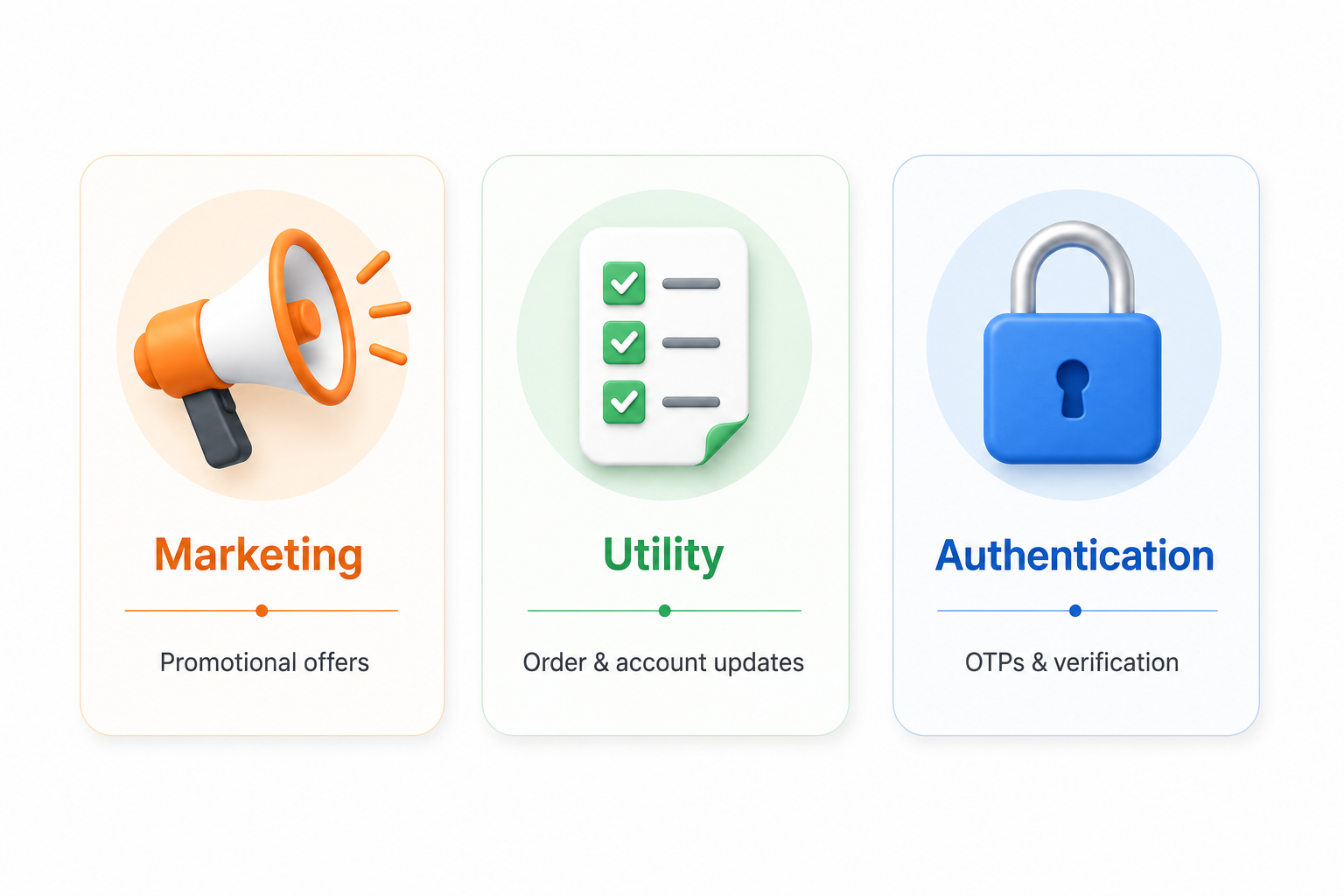
WhatsApp Business API sorts every template into one of three categories: Marketing, Utility, or Authentication. A utility template is used for a message tied directly to a transaction the customer has already started — a purchase, a booking, a payment, a service request.
Utility templates confirm, remind, or update. They don't sell. There's no discount code, no promotional pitch, no "shop now" — just clear, factual information the customer needs. That's not a limitation; it's the reason these messages perform so well. Customers open them because they're relevant.
Why Businesses Underrate Utility Messaging
Most businesses pour their energy into marketing campaigns and treat transactional messages as an afterthought. That's backwards. Utility messages are often the highest-read, highest-trust messages a business sends, because the customer is already expecting them.
A well-built utility template does three things:
- Cuts down support tickets, since customers already have the answer
- Builds trust, because communication feels proactive instead of reactive
- Keeps the conversation window active for smoother, more natural follow-ups
Below are six of the most common types of utility templates, with example messages for each.
1. Order Confirmation Templates
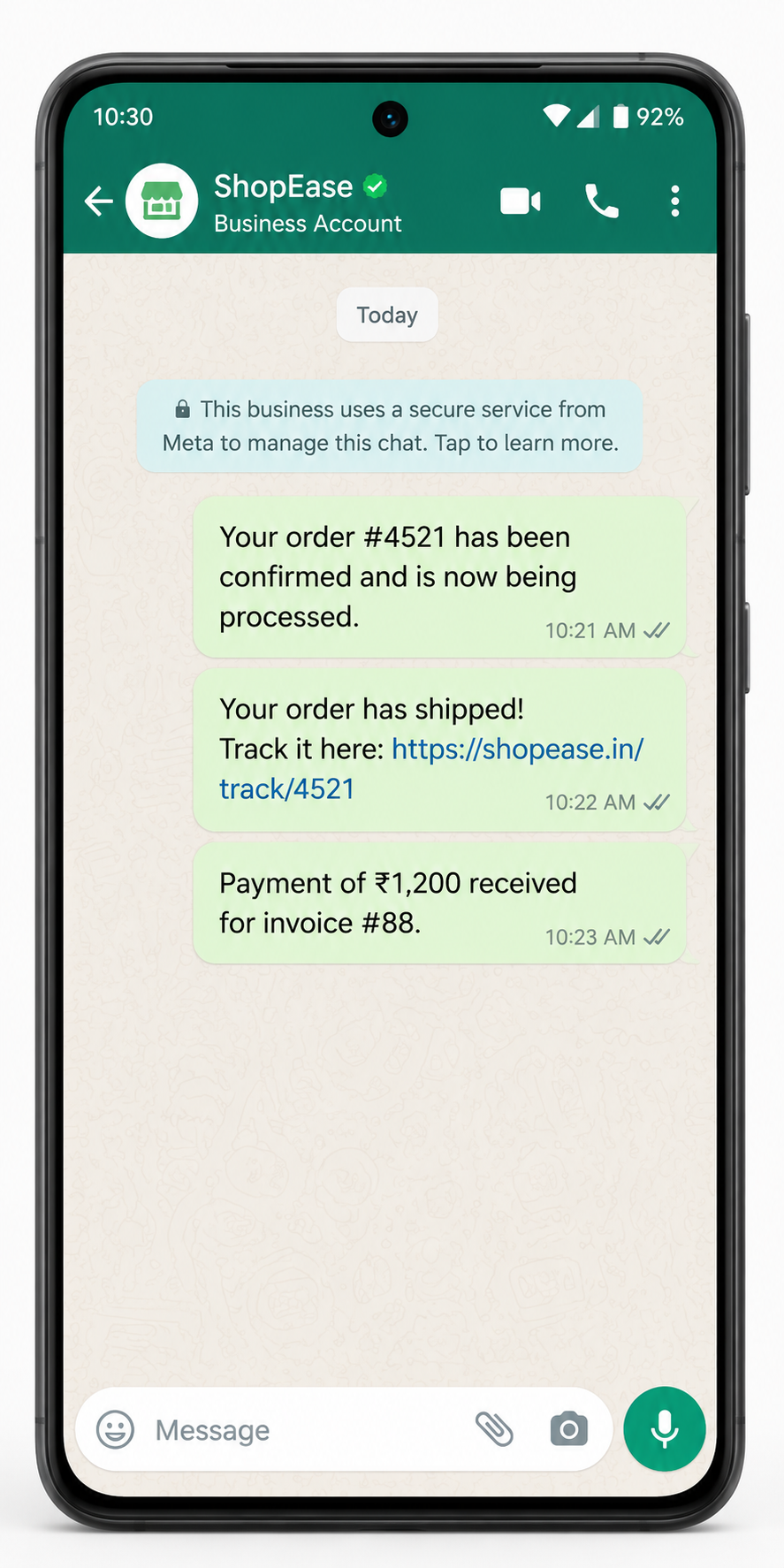
The instant a purchase is made, customers want proof it went through. This template removes that uncertainty right away.
Example Message
"Hi , your order # has been confirmed and is now being processed. Estimated delivery: . We'll update you again once it ships."
2. Appointment Reminders
No-shows are expensive, whether you're running a clinic, a salon, or a consulting practice. A well-timed reminder brings that number down significantly.
Example Message
"Hello , this is a reminder of your appointment on at . Reply CONFIRM to keep this slot or RESCHEDULE if you need a different time."
3. Delivery and Shipping Updates
Once an item ships, customers want to know where it is. This is one of the highest-value utility use cases because it directly reduces "where's my order" support queries.
Example Message
"Good news, ! Your order # has shipped and is on its way. Track it here: . Expected arrival: ."
4. Payment Notifications
Whether it's a successful charge or a failed one, customers want real-time visibility into their payments.
Example Message
"Hi , we've received your payment of for invoice #. Thank you for your prompt payment."
5. Account and Subscription Updates
Renewals, plan changes, and account activity alerts reassure customers that everything is being handled correctly, without them needing to log in and check.
Example Message
"Hi , your subscription has been successfully renewed and is valid until . No action is needed on your end."
6. Post-Service Feedback Requests
Not every utility message is proactive — some close the loop after a service is delivered, giving businesses a low-friction way to collect feedback.
Example Message
"Thank you for choosing us today, . We'd love to hear about your experience. Reply with a rating from 1 to 5."
Utility vs. Marketing: A Distinction Worth Respecting
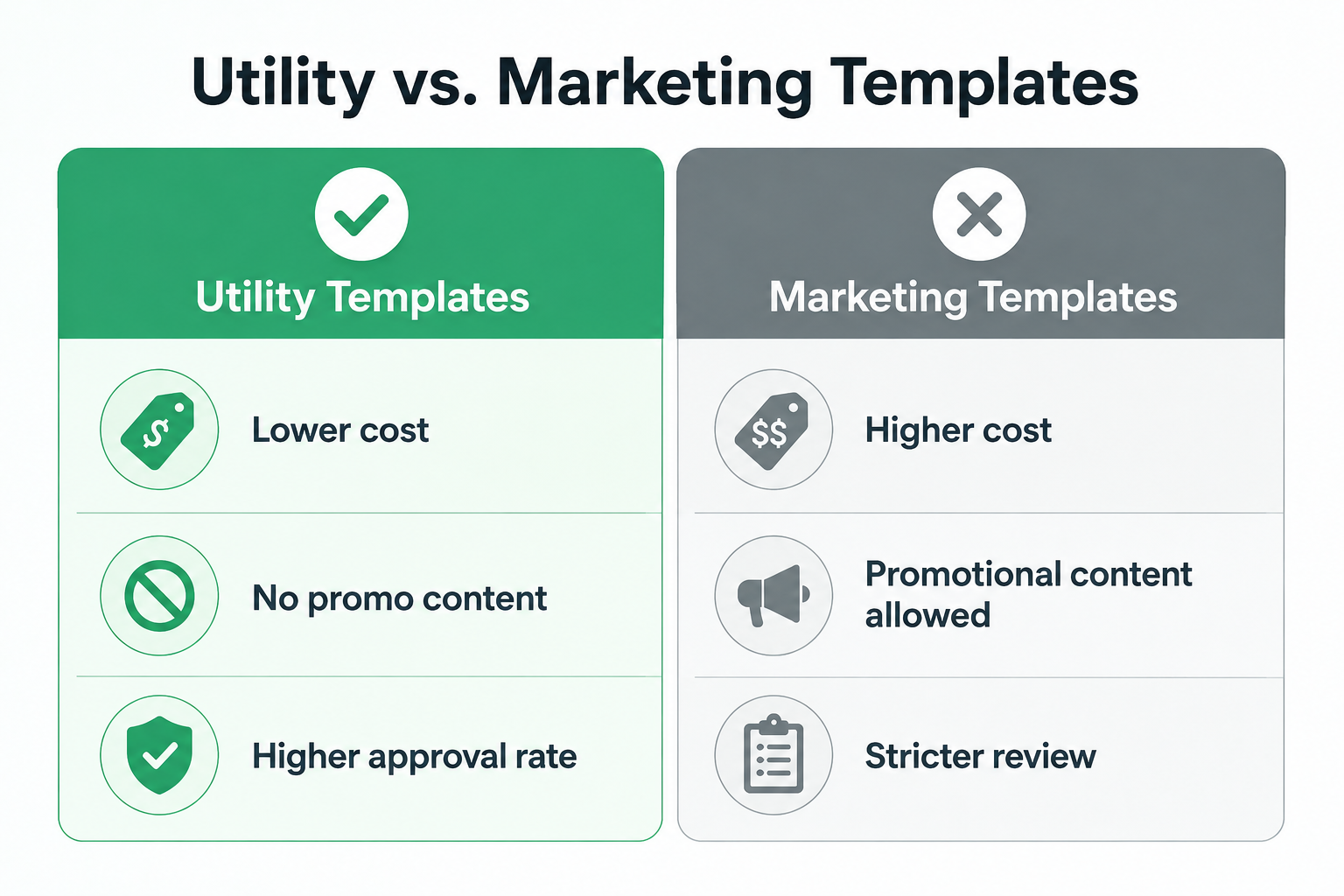
It's tempting to slip a promotional line into a utility message. Don't. Meta reviews template content closely, and a utility template that includes offers or unrelated upsells risks rejection — or restricted messaging privileges down the line.
There's a financial angle too. Utility conversations are typically priced lower than marketing ones, and in many cases, utility messages sent within an active customer conversation window carry no extra cost at all. Blending in promotional content erases that advantage.
A Few Tips for Smoother Template Approval
Getting a template approved isn't automatic just because it's transactional. A handful of practices consistently help:
- Keep language factual and neutral — skip the exclamation marks and sales tone
- Use variables only where dynamic information is genuinely needed
- Make sure the message content matches its declared category
- Avoid vague templates that could later be repurposed for promotions
Businesses managing high volumes of transactional messages — confirmations, reminders, renewals — increasingly turn to platforms like WappCloud to handle template drafting, approval tracking, and automated sending, rather than managing everything manually inside Meta's business tools.
The Takeaway
Utility templates aren't the most exciting part of a WhatsApp strategy, but they're often the most valuable. They're the messages customers genuinely want, delivered at the moment they're most useful. Get this layer right, and every other message you send — including your marketing — lands with more trust behind it.
As more businesses adopt WhatsApp Business API, the ones that treat utility messaging as core infrastructure — not an afterthought — will see fewer support tickets and stronger customer relationships. Platforms like WappCloud are built to make that easier, helping teams manage utility templates end to end without the manual overhead.
Ready to streamline your transactional messaging? See how WappCloud can help you build, approve, and automate utility WhatsApp templates that customers actually want to receive.