

WhatsApp Blue Tick Verification: A Complete Guide for Businesses

Written by
WappCloud Team

Post date
06 August 2026
Trust is the currency of business messaging. A customer who isn't sure whether the number texting them is really your brand — or an impersonator — will hesitate to reply, click, or buy. That's exactly the gap WhatsApp's blue tick verification is designed to close.
This guide walks through what the blue tick actually is, whether you're required to move to it, how to apply through both the WhatsApp Business App and the WhatsApp Business API, what it costs, and how to avoid the most common reasons applications get rejected.
What Is WhatsApp Blue Tick Verification?
The blue tick is a verification badge that appears next to a business's name on WhatsApp, confirming that the account is authentic and officially recognised by Meta. For customers, it's an instant signal that they're messaging the real business — not a lookalike or a scam account.
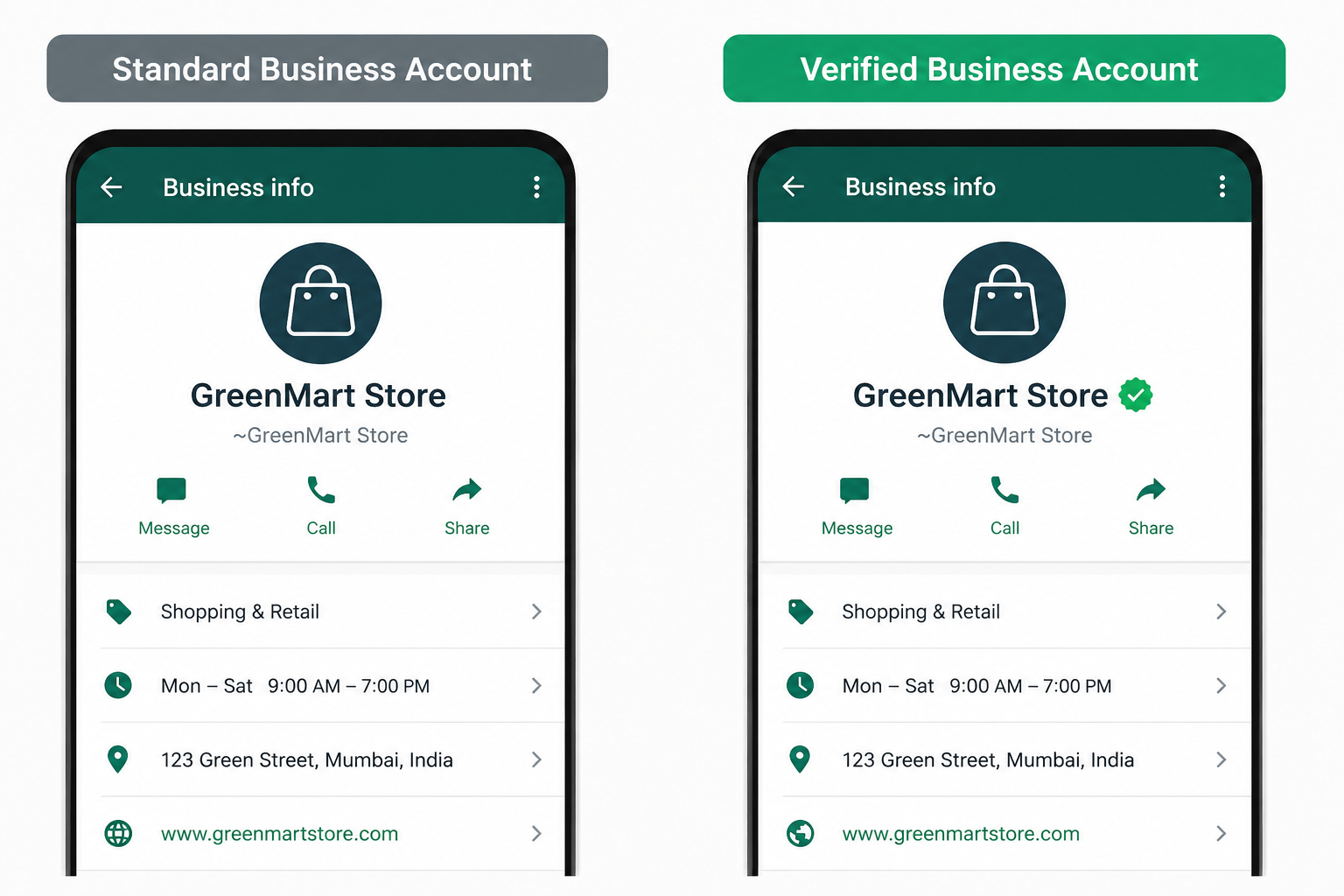
The badge was originally green, and for years it was reserved for businesses on the WhatsApp Business API. Since July 2024, Meta extended verification to the free WhatsApp Business App as well and shifted the badge colour to blue, bringing it in line with the verification badges already used on Instagram and Facebook. The result: even small businesses without an API integration can now apply for the same recognisable mark of authenticity.
Do You Have to Switch From Green Tick to Blue Tick?
No action is needed on your part. Meta rolled out the blue tick to standardise verification across its apps, and any account that already carried the green tick was migrated automatically. If your business was previously verified, your badge simply turns blue on its own.
How to Get the Blue Tick on the WhatsApp Business App
If you're using the free WhatsApp Business App, verification runs through Meta Verified:
- Open Tools in the WhatsApp Business App
- Tap Meta Verified
- Choose a subscription package
- Confirm your business account details
- Set up your payment method and complete your first payment
- Select your business and continue
- Choose a verification method and continue
- Enter your verification details and submit
- Tap Done to finish
How to Get the Blue Tick on the WhatsApp Business API
Businesses running on the WhatsApp Business API — the setup WappCloud is built on — apply through their API dashboard instead of the consumer app:
- Open your WhatsApp Business API dashboard
- Select your phone number
- Go to the profile setup page
- Click Submit
- Enter your business details
- Provide five website links where your brand name appears
- Submit the application for review
This is where a platform like WappCloud helps: getting the profile fields, documentation and web mentions right the first time avoids the back-and-forth that slows most applications down.
Eligibility Criteria for the Blue Tick
Not every account can apply right away. Meta looks for:
- An active WhatsApp Business App account of a minimum age
- Recent messaging activity on the account
- A business location in a country where Meta Verified for WhatsApp Business is available — currently India, Colombia, Brazil and Indonesia
- A complete profile name and picture
- No active WhatsApp Business Premium subscription
- No active Meta Verified subscription already running through Meta Business Suite
Meta Verified Subscription Plans (WhatsApp Business App)
Pricing for the WhatsApp Business App's Meta Verified plans ranges roughly from ₹639 to ₹18,900 per month, scaling with the number of verified channels, linked devices, and protected sub-accounts you need:
| Plan | Monthly price* | Verified channels | Linked devices | Highlights |
|---|---|---|---|---|
| Business Standard | ₹639 | 1 | 4 | Verified badge, impersonation protection, custom web page |
| Business | ₹1,399 | 3 | 6 | Everything in Standard, plus more verified channels & devices |
| Business Premium | Contact Meta | 5 | 8 | Up to 10 protected business accounts |
| Business Max | Contact Meta | 10 | 10 | Up to 50 protected business accounts, highest tier support |
*Indicative pricing as listed by Meta; higher tiers are quoted directly. Always confirm current pricing in-app before purchasing.
Why the Blue Tick Is Worth Getting
1. Stronger brand credibility
An unfamiliar number is an easy target for suspicion, and unverified messages are far more likely to get reported as spam. A blue tick next to your business name reassures customers before they even open the chat, which matters directly for how your broadcast and campaign messages perform.
2. Consistent branding across Meta
Facebook, Instagram and WhatsApp now share the same verification symbol. For brands running campaigns across all three — including Click-to-WhatsApp Ads — that consistency reinforces the same trust signal wherever a customer meets you.
3. Verification is no longer only for API businesses
Because the badge is now available through the free App as well as the API, smaller and growing businesses don't need a full API integration just to look credible — though the API still offers deeper automation, CRM, and broadcast capabilities that the App alone doesn't.
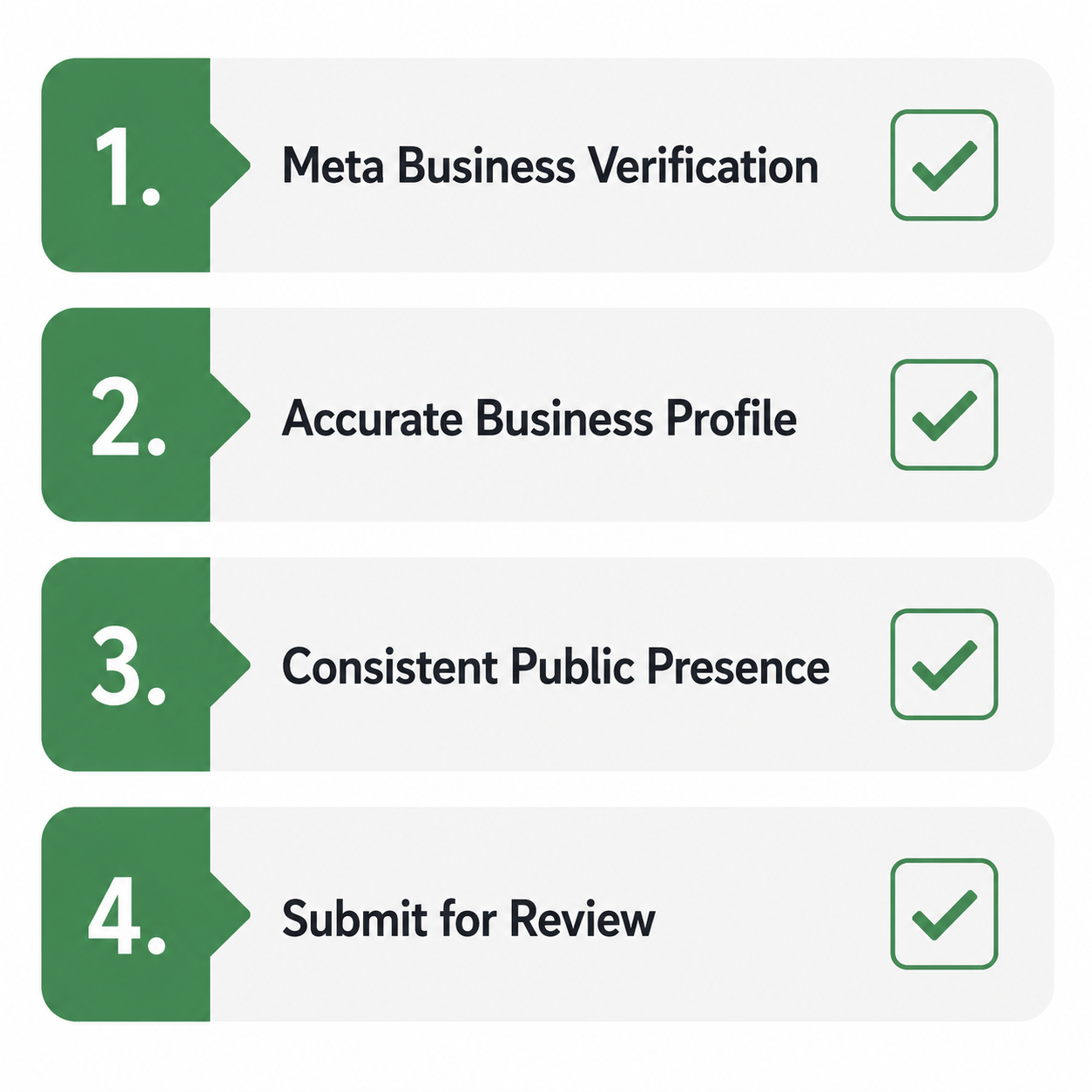
4 Ways to Avoid Getting Rejected
1. Submit accurate, consistent documents
Business licence, address proof and any supporting documents need to match each other exactly. The specific documents required vary by location, but inconsistent details across submissions are one of the most common reasons applications bounce back.
2. Build up your online presence
Meta checks whether your business is genuinely findable outside WhatsApp — press mentions, an active website, and a real social media presence all help. The five website links required for API applications aren't a formality; they're part of how Meta confirms notability.
3. Apply under the right business category
Certain categories — including drugs, tobacco, alcohol, gambling, weapons, live animals and dating services — are excluded from verification altogether. Confirm your category is eligible before you apply.
4. Follow the rules that apply to your market
Requirements can vary by region and industry. If an application is rejected, you can request the reason from Meta, correct the issue, and reapply after 30 days.
Get Verified, Without the Guesswork
Blue tick verification is more than a badge — it's a trust signal that shapes how customers respond to every message you send. Getting there means meeting Meta's eligibility criteria, keeping your profile and documentation consistent, and applying through the right channel.
WappCloud helps businesses running on the WhatsApp Business API set up their profile correctly the first time — from documentation to verification links — so the blue tick becomes a straightforward milestone instead of a repeated rejection cycle. Talk to the WappCloud team to get your verification application moving.