

WhatsApp's 24-Hour Messaging Rule and Chat Window Limit: A Complete Guide

Written by
WappCloud Team

Post date
28 July 2026
Every business messaging customers on WhatsApp eventually hits the same wall: a message that worked fine yesterday suddenly fails today. Nothing changed on the business's end — the number's valid, the template's approved, nobody got blocked. The culprit is almost always the same: the 24-hour messaging window closed.
This single rule shapes nearly every WhatsApp Business API strategy, yet it's one of the most misunderstood parts of the platform. Here's exactly how it works, why it exists, and how to build a strategy that works with it instead of constantly running into it.
What Is the 24-Hour Messaging Window?
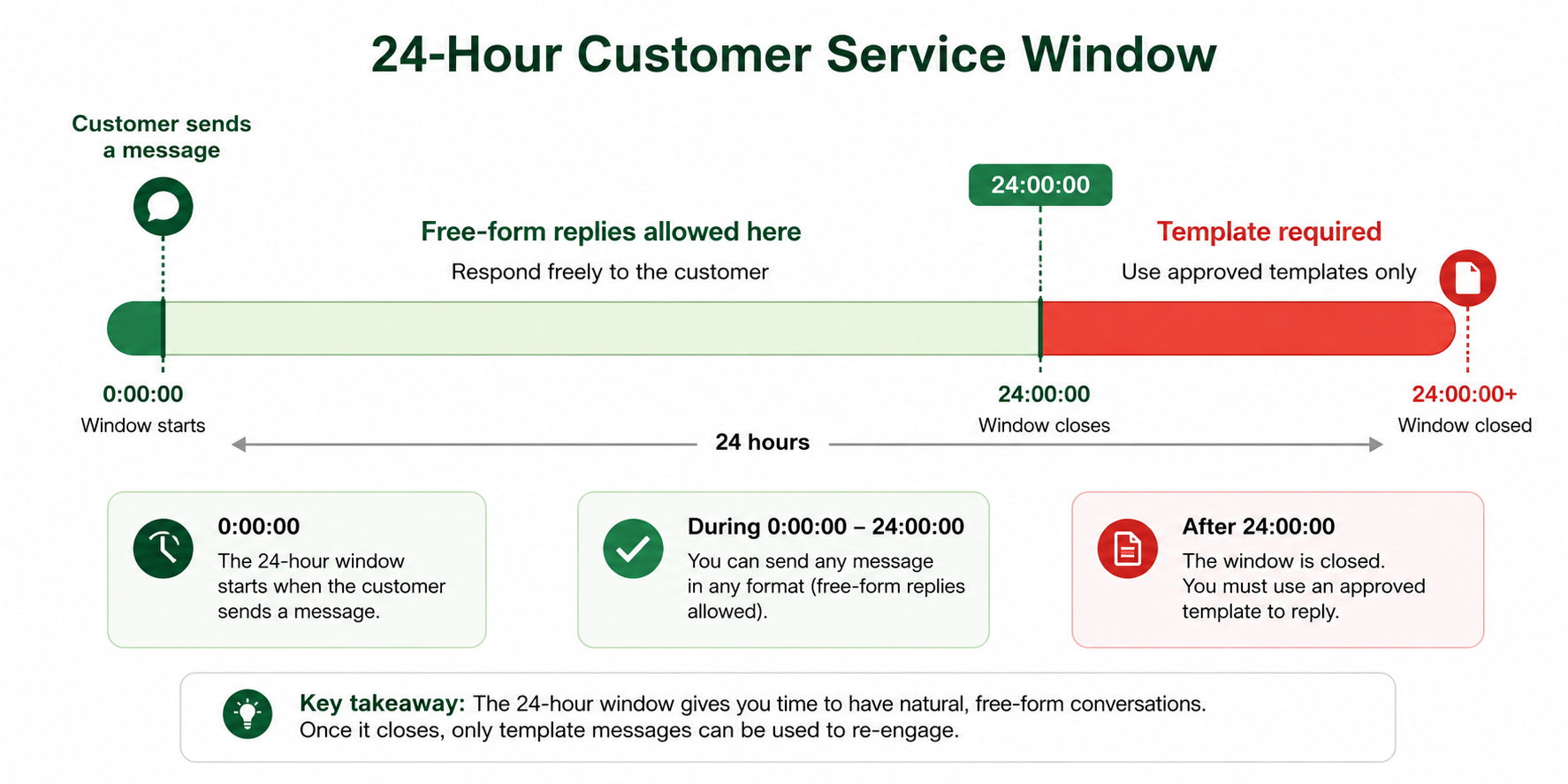
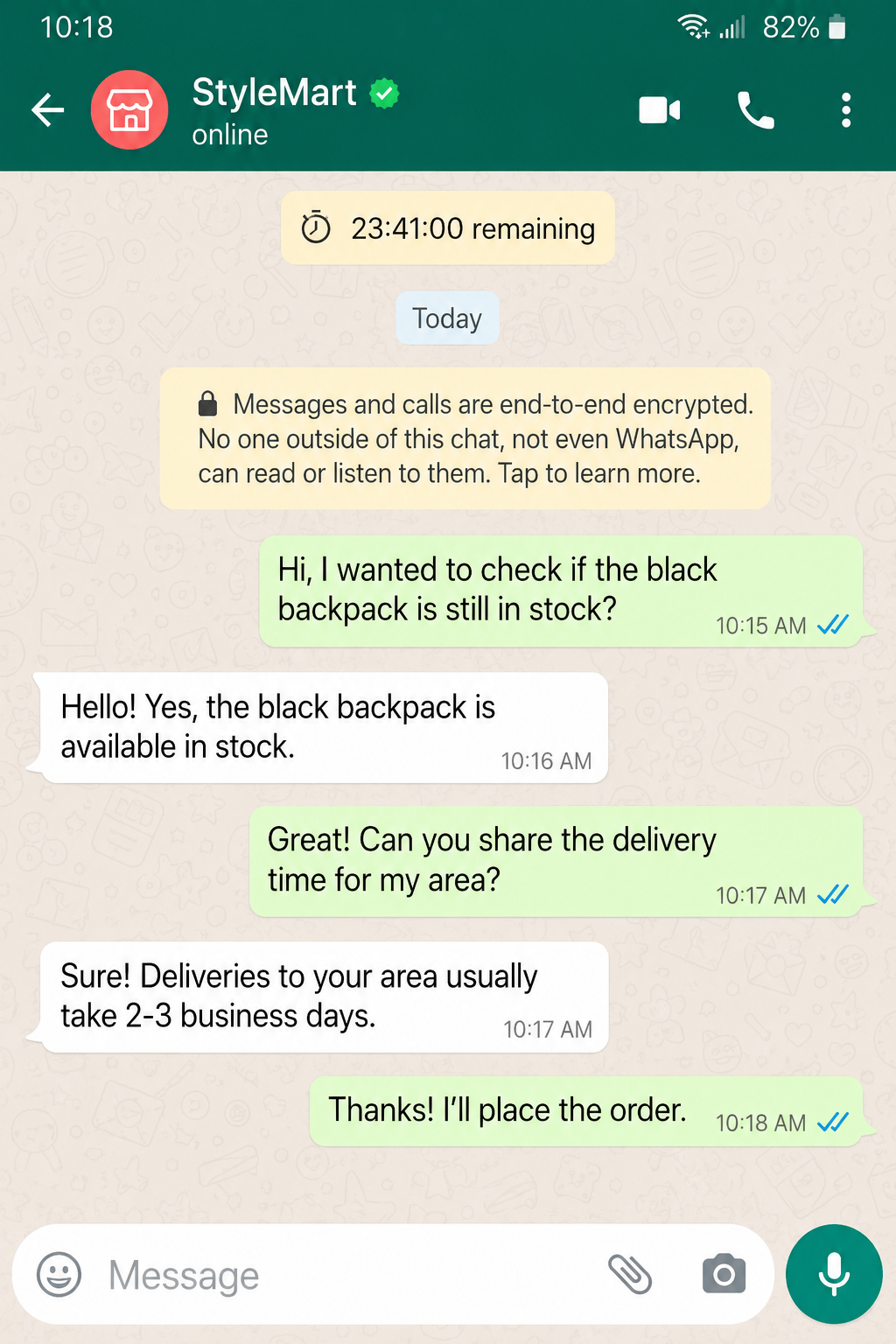
The 24-hour window — also called the customer service window — is the period during which a business can send free-form messages after a customer last messaged them. The clock starts the moment the customer sends a message, and resets every time they send another one.
Inside this window, a business can reply with anything — text, images, documents, offers — no template or pre-approval required. The moment 24 hours pass without a new customer message, that flexibility disappears.
Why WhatsApp Enforces This Rule
WhatsApp built the window to protect a platform that's fundamentally personal, not promotional. Without a limit, businesses could message customers indefinitely after one interaction, turning WhatsApp into another inbox flooded with unsolicited content. The rule keeps messaging tied to genuine, active conversations.
It's also why template categories exist — they give businesses a compliant way to reach customers outside an active window, but only with pre-approved, non-intrusive content.
1. How the Window Actually Starts and Resets
The window is tied entirely to the customer's most recent message, not the business's first outreach. If a customer messages at 3:00 PM Monday, the business has until 3:00 PM Tuesday to reply freely. If the customer responds again at 9:00 AM Tuesday, the clock resets from that new timestamp.
This trips people up because it's easy to assume the window is a flat 24 hours from the start of a conversation. In reality, every incoming message extends it forward.
2. What You Can Send Inside the Window
Full flexibility applies here — order details, recommendations, follow-up questions, images, PDFs, links, casual replies. This is the ideal space for support conversations, sales follow-ups, and anything that benefits from natural back-and-forth.
Example Message (inside the window)
"Hi Ravi, thanks for the details! Based on what you shared, I'd recommend our Standard Plan — it covers everything you mentioned. Want me to send over the pricing breakdown?"
3. What Happens When the Window Closes
Once 24 hours pass without a new customer message, free-form replies stop working. Anything sent outside the window needs a pre-approved template — utility, marketing, or authentication — following WhatsApp's formatting rules.
This is where many businesses get caught off guard: a support agent following up a day later, unaware the window closed, finds their message simply doesn't deliver.
Example Message (template-based re-engagement)
"Hi , we wanted to follow up on your recent inquiry. Reply here and we'll pick up right where we left off."
4. Session Messages vs. Template Messages
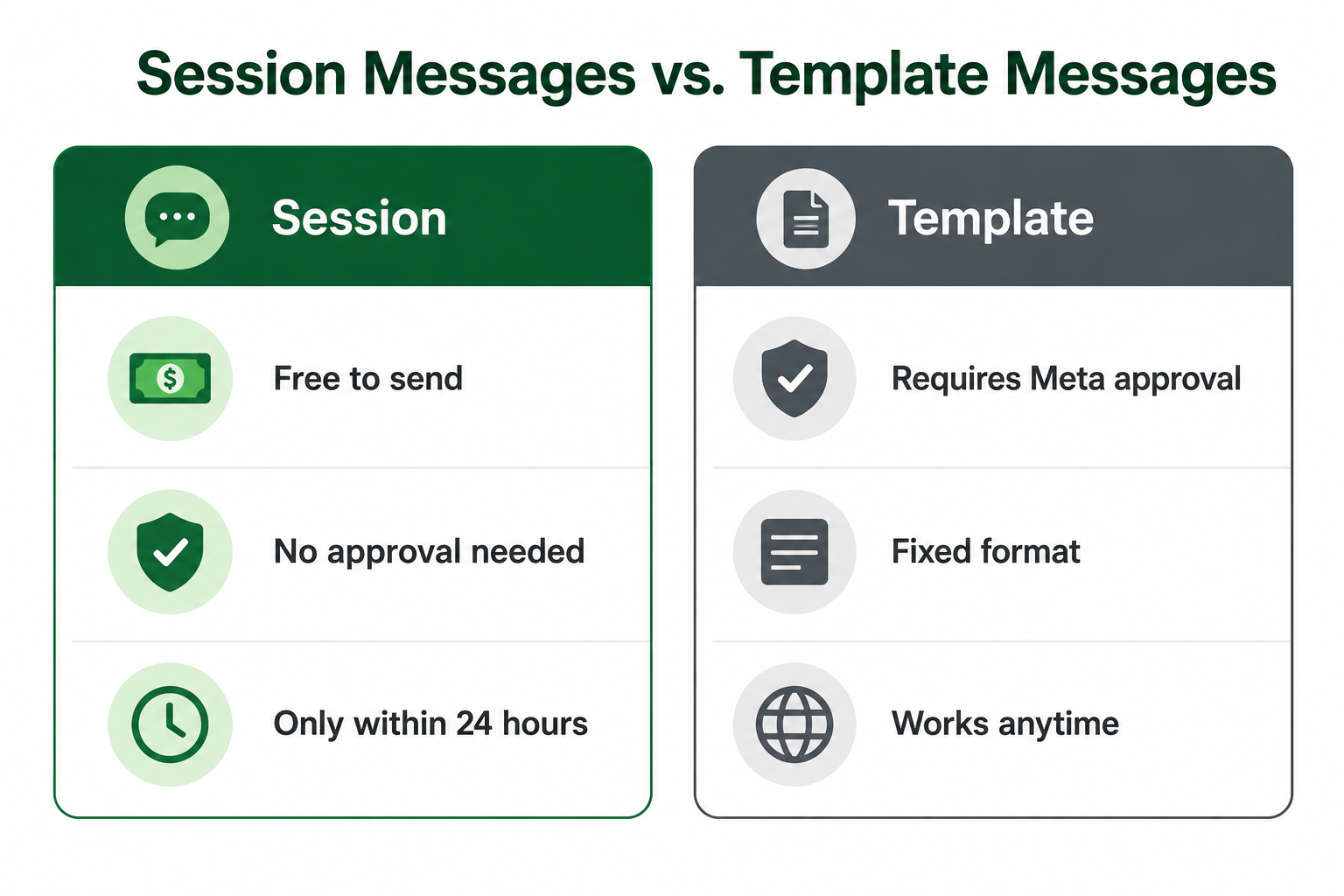
This distinction is the foundation of any WhatsApp Business API strategy. Session messages are free and flexible, but only available inside the 24-hour window. Template messages require Meta's approval and follow strict content rules, but work at any time.
Knowing which one applies at any given moment avoids both compliance issues and unnecessary template submissions for conversations still very much active.
5. Common Mistakes Businesses Make
A few patterns show up constantly:
- Assuming the window is fixed to the first message, not the customer's most recent one
- Sending a free-form follow-up a day or two later, unaware the window already closed
- Not planning template-based re-engagement for conversations likely to go quiet
- Treating every message as urgent enough to need a new template, instead of checking window status first
6. Building a Strategy Around the Rule
The most effective approach treats the window as a planning tool, not a limitation to react to after the fact:
- Track each conversation's window status in real time, so replies use the right message type automatically
- Pre-approve common re-engagement templates in advance, so a closed window never stalls a follow-up
- Encourage active engagement within the window, since every reply naturally extends it
- Time proactive outreach with context-specific templates — order updates, reminders, or general re-engagement
Businesses managing multiple ongoing conversations increasingly rely on platforms like WappCloud to track window status automatically and trigger the right template the moment a conversation goes quiet.
The Business Impact of Getting This Right
Mismanaging the window has a real cost — missed follow-ups, stalled support conversations, customers who assume a business went silent when a message just failed quietly. Businesses that plan around it, with the right templates ready and clear visibility into timing, keep conversations moving no matter how much time has passed.
The 24-hour rule isn't there to make business messaging harder — it's there to keep WhatsApp feeling personal, not promotional. Once you understand exactly how it starts, resets, and closes, it stops being an obstacle and becomes a straightforward part of the workflow.
Want clearer visibility into your conversation windows? See how WappCloud helps businesses track window status in real time and automate the right template at the right moment.